User Support: How to Assess Its Effectiveness
Learn how to measure the effectiveness of your user support in 5 steps, with the right KPIs, reporting tools, and a mix of quantitative and...
Learn how to set up a CRM system the right way: define your needs, choose the right tool, configure it, drive user adoption, and measure ROI. Step-by-step
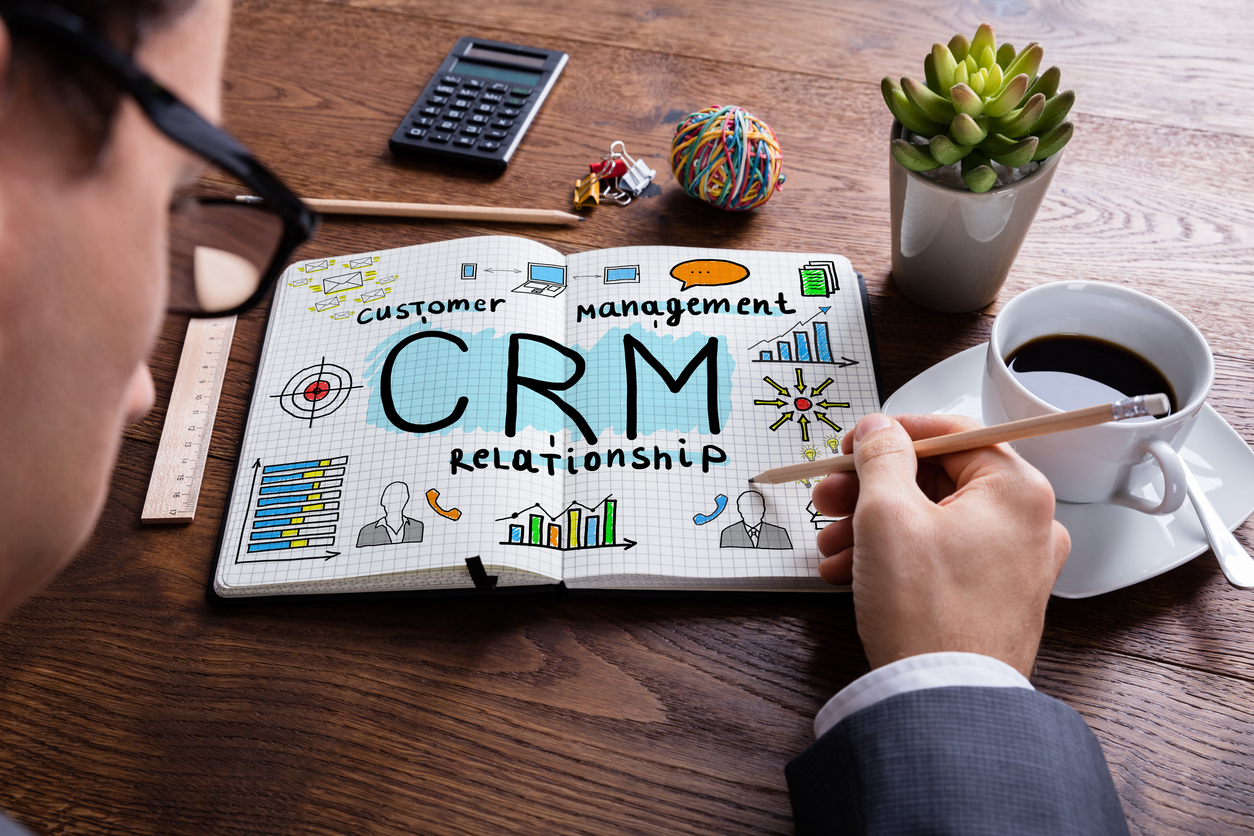
Setting up a Customer Relationship Management (CRM) system involves five core steps: defining your needs, selecting the right platform, working with a qualified integrator, driving user adoption, and measuring results. Done in order, these steps help sales, marketing, and service teams get real value from their CRM from day one. This guide walks through each step so you can set up a CRM system that your team will actually use. For a deeper look at what features to prioritize before you buy, see our guide on what to look for in a CRM.
Start by writing down the specific business problem you want the CRM to solve. Before evaluating any platform, clarify your goals across the teams that will use the system, whether that is marketing, sales, customer service, or all three.
Ask concrete questions:
Document these answers in a CRM requirements specification. This brief should cover goals, team size, budget, existing tech stack, and any compliance or data-residency requirements. A clear specification is the single most effective way to narrow the vendor shortlist and avoid scope creep during configuration.
Once requirements are written down, audit your current customer data. Identify which records are clean enough to migrate and which need to be deduplicated or archived first. Poor data quality is one of the most common reasons CRM projects stall, so this audit should happen before you sign any contract.
If you are setting up a CRM for the first time, prioritize the data that directly influences revenue: contact records, deal stages, next-action dates, and lead source. Add complexity (custom objects, advanced scoring, automated sequences) only after the team is comfortable with the basics.
The right CRM is the one that fits your defined requirements, not the one with the longest feature list. Two broad deployment models exist: traditional on-premise software installed locally, and Software as a Service (SaaS) CRM accessed through a browser. SaaS has become the dominant model because it reduces infrastructure overhead, ships updates automatically, and scales per-user pricing as your team grows.
When evaluating platforms, weight these factors in order of your priorities:
| Factor | What to assess |
|---|---|
| Ease of use | Can a new sales rep navigate the pipeline without IT help? |
| Pipeline customization | Can you configure stages to match your actual sales process? |
| Integrations | Does it connect natively to your email, calendar, and marketing tools? |
| Reporting and analytics | Can managers pull conversion rates and forecast revenue without exporting data? |
| Vendor support | Is there in-app guidance or a help center robust enough for self-service onboarding? |
| Total cost of ownership | What are the per-user fees, add-on costs, and migration expenses? |
Request a trial or sandbox environment for each shortlisted platform. Run your real sales process through it with two or three actual users, not just IT or management. Their feedback on daily workflows will surface friction points that a vendor demo never will.
Our CRM software comparison list covers the most widely adopted platforms and their key differentiators to help you move from a long list to a short one faster.
A CRM integrator is the partner responsible for configuring the platform to your specifications, migrating your data, connecting your other tools, and often delivering initial training. Choosing the wrong one is a leading reason CRM implementations run over budget or fail to deliver adoption.
Look for these qualities in a CRM integrator:
Even with a strong integrator, internal project ownership matters. Assign a CRM project lead from the business side, not just IT. This person bridges the gap between technical configuration and real-world sales team needs, and they become the internal champion who sustains adoption after the integrator leaves.
For a detailed breakdown of what a full implementation looks like from planning through go-live, the CRM implementation guide covers every phase in depth.
User adoption is where most CRM projects succeed or fail. A technically perfect configuration delivers no value if the sales team reverts to spreadsheets and email threads within a month of launch. Adoption is not an event that happens at go-live; it is an ongoing process that requires deliberate support.
"You can run the most interesting project in the world, but if there is no support for users, adoption will be very limited. So you need tools that let people build skills on these new tools easily and intuitively."
A practical CRM adoption plan covers three stages:
Communicate the "why" before the "how." Show each team how the CRM makes their specific daily tasks easier, not just how it benefits management reporting. Involve a representative from each user group in the configuration review so they feel ownership from the start.
Classroom sessions and static PDF guides are rarely enough. Users forget most of what they learned in a one-time session by the time they need to apply it. In-app guidance, interactive walkthroughs, and on-screen tooltips embedded directly inside the CRM meet users at the moment of need without requiring them to leave the tool or open a separate training document.
Lemon Learning's Digital Adoption Platform (DAP) overlays directly onto any CRM, delivering step-by-step guidance, pop-up tips, and self-service help resources inside the interface your team already uses. This approach cuts the time needed to create and maintain training content, reduces dependency on IT support for routine questions, and shortens the time to proficiency for new hires. Explore how Lemon Learning supports sales operations teams specifically.
Track which features are underused and which workflows generate the most support tickets. Use that data to update in-app guidance and close specific knowledge gaps. Recognize and share wins publicly when a team member closes a deal that was tracked end-to-end in the CRM; real stories drive adoption faster than any mandate.
Our dedicated article on CRM adoption strategies goes deeper on the behavioral and organizational levers that move the needle after go-live.
Measuring CRM effectiveness means comparing your post-implementation results to the specific objectives you defined in step one. Set a formal review at six months and again at twelve months after go-live, when enough pipeline cycles have completed to produce meaningful data.
Key performance indicators (KPIs) to track fall into four categories:
| Category | Example metrics |
|---|---|
| Revenue impact | Average deal size, win rate, sales cycle length, revenue per rep |
| Pipeline health | Lead-to-opportunity conversion rate, stage-by-stage drop-off, forecast accuracy |
| Customer experience | Customer Satisfaction Score (CSAT), Net Promoter Score (NPS), average response time |
| Adoption and usage | Daily active users, data completeness rate, number of manual tasks replaced by automation |
If revenue metrics are improving but adoption metrics are lagging, the CRM configuration is probably sound but the training or change management plan needs reinforcement. If adoption is high but revenue impact is unclear, revisit whether the pipeline stages and reporting dashboards are capturing the right data from the start.
Tracking return on investment (ROI) from your CRM involves comparing the cost of licensing, implementation, and training against measurable gains in revenue, time saved, and support costs avoided. Our guide to measuring software ROI provides a practical framework you can apply directly to your CRM evaluation.
Treat measurement not as a final report card but as an ongoing feedback loop. The CRM configuration you launch with is rarely the optimal one. Use the data from your KPI reviews to refine pipeline stages, add automation for repetitive tasks, and update training content so the system keeps improving as your business grows.
You can build a basic CRM using spreadsheet tools or no-code platforms, but most businesses get faster results by configuring an existing CRM solution. Start by mapping your sales process, then set up custom fields, pipeline stages, and automated follow-up tasks to match how your team actually works.
The best CRM for beginners is one with a simple interface, clear onboarding, and a free or low-cost entry tier. Popular options for first-time users include tools that offer pre-built pipeline templates and in-app guidance so your team can get productive quickly without heavy IT involvement.
The four main types of CRM are operational (automating sales, marketing, and service processes), analytical (turning customer data into insights), collaborative (sharing customer information across departments), and strategic (using long-term customer data to guide business decisions).
CRM setup costs vary widely. Cloud-based (SaaS) CRM tools typically charge a per-user monthly fee, often ranging from free tiers up to several hundred dollars per user per month for enterprise plans. Additional costs can include data migration, integration work, user training, and ongoing administration.
Learn how to measure the effectiveness of your user support in 5 steps, with the right KPIs, reporting tools, and a mix of quantitative and...
Compare the 7 most effective change management models, from Lewin's 3-Stage Model to ADKAR and Kotter's 8 Steps, and learn how to choose the right
Learn how to measure and optimize ROI when digitizing your Purchasing function. Discover the right KPIs, a 3-step framework, and how to drive lasting