CRM Software: What It Is, Types, Examples & Adoption Tips
What is CRM software? Learn how a CRM works, the main types, popular examples like Salesforce and HubSpot, and how to get your team to actually use it.
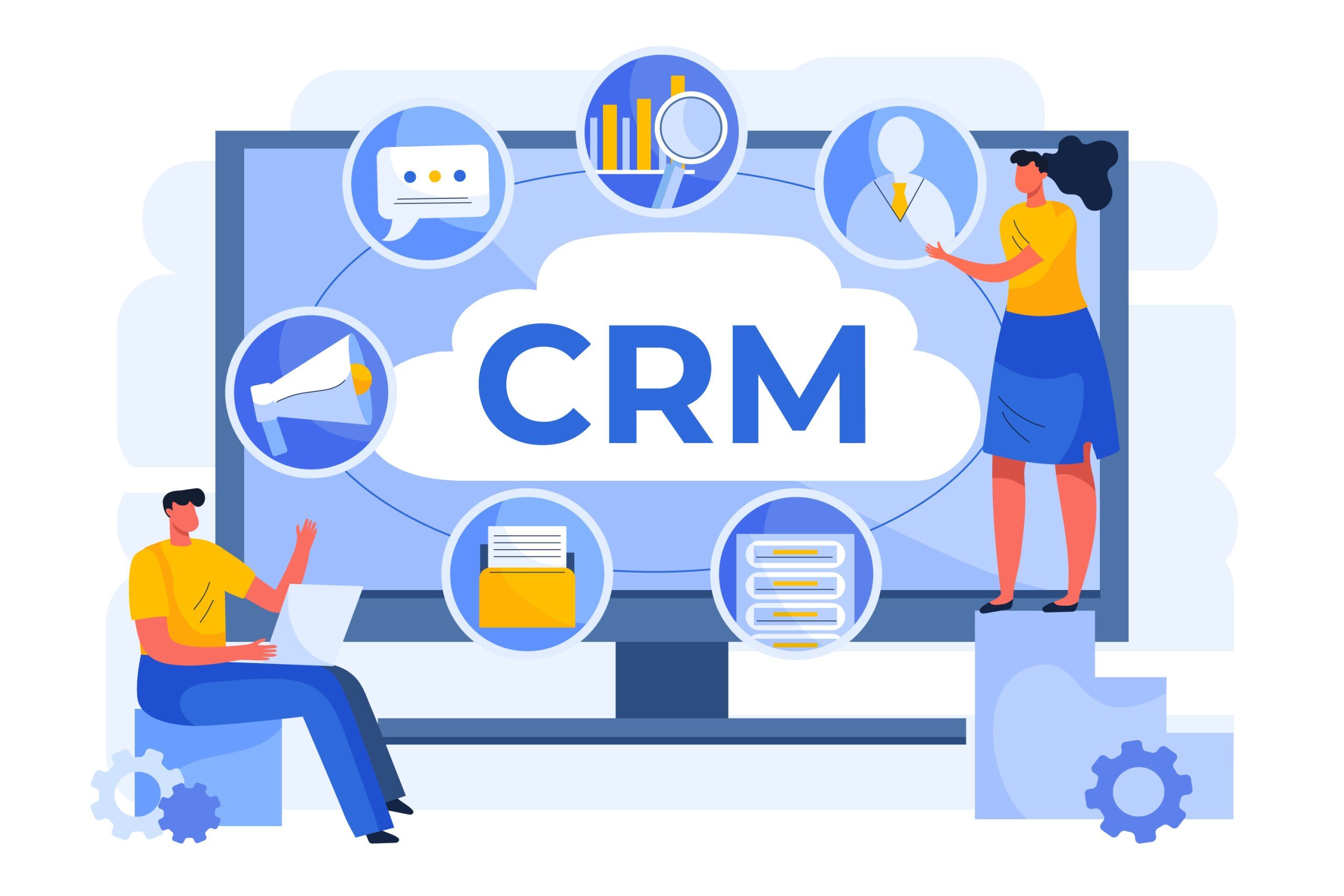
CRM (Customer Relationship Management) software helps companies manage every interaction with prospects and customers in one place. It stores contact details, tracks deals and conversations, and gives sales, marketing and customer success teams a shared view of each customer.
Key takeaways
CRM software centralises customer and prospect data for sales, marketing and service teams.
There are four main types: operational, analytical, collaborative and strategic.
Popular options include Salesforce, Microsoft Dynamics 365, HubSpot and Zoho.
Most CRM projects succeed or fail on user adoption, not on the tool itself.
What is CRM software?
CRM software is a system that centralises customer and prospect data so teams can sell, market and support customers more effectively. Instead of contact details living in spreadsheets, inboxes and notebooks, everything sits in one database that the whole company can access and update.
CRM software is used mainly by four teams:
Sales: to manage leads, track deals and forecast revenue.
Marketing: to segment contacts and personalise campaigns.
Customer success and support: to see a customer's full history before every conversation.
Project and operations teams: to coordinate handovers after a deal is signed.
What does CRM software do?
Most CRM software covers the same core features:
Contact management: names, companies, roles, phone numbers, time zones and purchase history in one record.
Pipeline and deal tracking: each opportunity's stage, value and next step.
Task automation: reminders, follow-up emails and data entry handled automatically.
Reporting and dashboards: sales performance, forecasts and activity at a glance.
Integrations: connections with email, calendars, marketing tools and ERP systems. Large platforms such as Salesforce integrate with thousands of applications.
What are the benefits of CRM software?
Centralising customer data gives companies several advantages:
One source of truth for every contact and account
Less time spent on repetitive admin tasks
More personalised marketing campaigns
A 360° view of each customer across teams
More accurate sales forecasts
Better, faster customer service
What are the main types of CRM software?
CRM software is usually grouped into four types, depending on what it focuses on. Many modern platforms combine several of them.
Type
What it does
Typical use
Operational CRM
Automates sales, marketing and service processes
Adding contacts, scheduling demos, sending quotes and contracts
Choosing the right CRM is only half the job. Many CRM projects disappoint because the tool is installed but not used properly: reps keep notes in spreadsheets, fields are left empty, and the data managers rely on becomes unreliable.
The most common causes are:
Training that happens weeks before go-live and is quickly forgotten
Complex screens and processes that slow users down
No support when users get stuck on a real task
No visibility on how the CRM is actually being used
Get your teams using your CRM properly from day one
Lemon Learning guides users step by step inside Salesforce, Dynamics and other CRMs, so data entry stays accurate and adoption keeps growing after go-live.
CRM stands for Customer Relationship Management. It is software that centralises a company's data and interactions with current and potential customers to improve sales, marketing and customer service.
What are the 4 types of CRM?+
Operational (automates sales and service processes), analytical (analyses customer data), collaborative (shares information across departments) and strategic (focuses the business on long-term customer relationships).
What are the most widely used CRMs?+
The most widely used CRM systems include Salesforce, Microsoft Dynamics 365, HubSpot CRM, Zoho CRM and Oracle CRM, each suited to different company sizes and industries.
Which CRM software is easiest for non-technical teams?+
Tools with a simple interface, such as HubSpot CRM or Zoho CRM, are often considered easier to learn. In practice, ease of use depends as much on how the CRM is configured and supported as on the tool itself. In-app guidance helps non-technical users complete tasks correctly in any CRM, without memorising training.
Is there free CRM software?+
Yes. Some vendors, such as HubSpot and Zoho, offer free plans with core contact and deal management. Free plans usually limit users, features or automation, so growing teams often move to a paid plan.
Is Excel a CRM?+
No. Excel is a spreadsheet that can roughly track contacts, but a real CRM automates tasks, centralises interactions in real time, integrates communication channels and offers advanced analytics.
Evaluate five categories of Salesforce adoption tools, from in-app guidance to AI assistants, and learn how to reduce support tickets and protect CRM...
Discover the 4 essential CIO management tools (ERP, CRM, database, and cloud solutions) that help IT leaders streamline operations and drive digital...