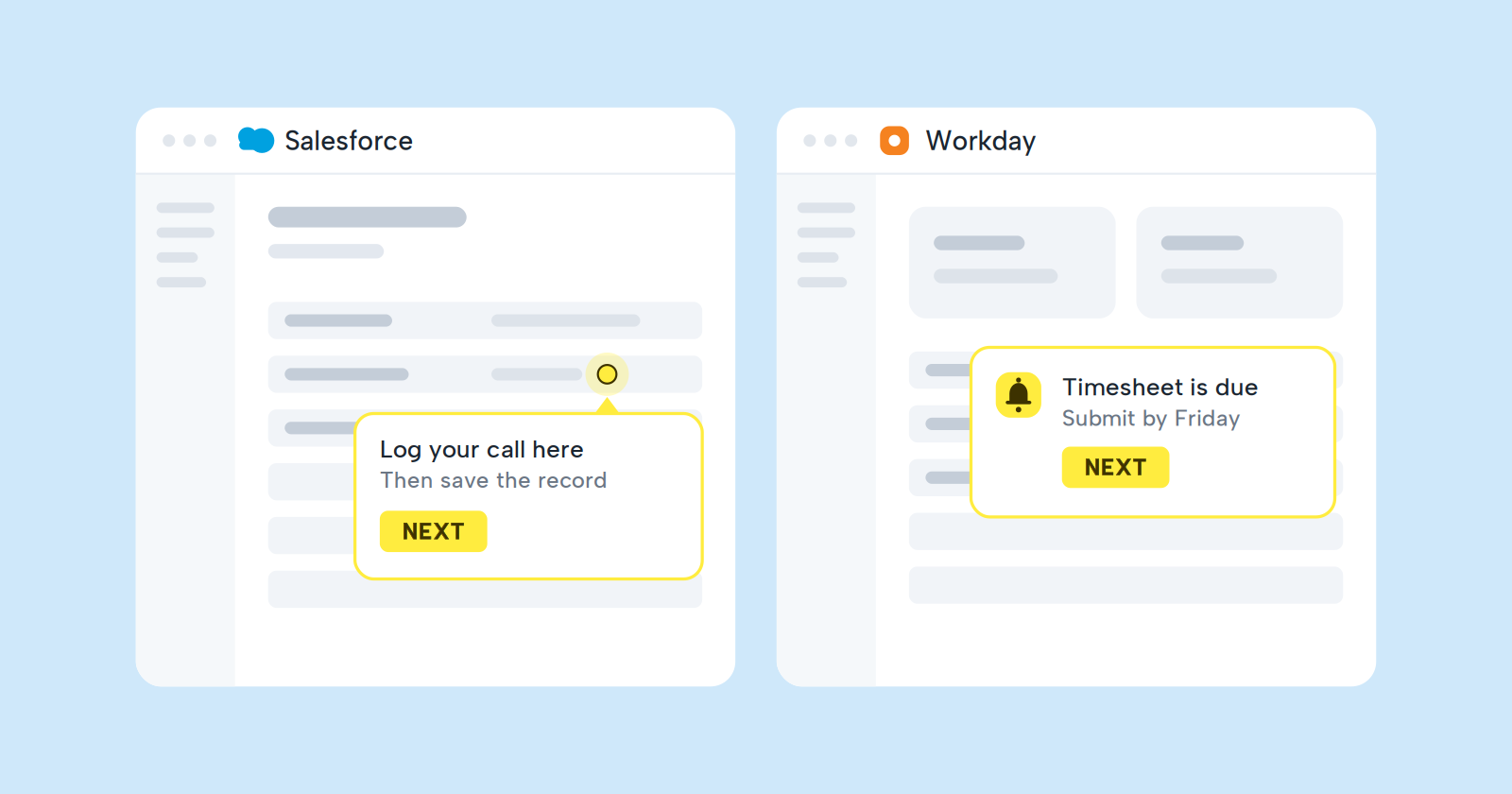
Deploying Salesforce or Workday is just the beginning. The real challenge starts the day your teams are expected to use them. If you've launched an enterprise platform and watched adoption stall despite a solid go-live, you're dealing with a change management problem, not a technical one. Lemon Learning helps CIOs close that gap by putting in-app guidance directly inside enterprise software so your people get support at the exact moment they need it.
Why Do Salesforce and Workday Adoption Fail?
Enterprise software adoption fails when organizations treat rollouts as technical projects instead of human transitions. Your teams don't resist new tools because the technology is bad. They resist because the old way of working was familiar, and the new way feels like extra effort.
According to Prosci's 2025 Unlocking ERP Implementation study, 98% of resistance during ERP implementations stems from people-related sources: behavioral, emotional, capability, and trust issues. The same patterns apply to CRM rollouts. When someone can't complete a task in Salesforce, they don't search for documentation. They call IT, ask a colleague, or revert to the old spreadsheet.
Custom configurations make this worse. Your Salesforce org isn't the same as any other company's. Your Workday setup reflects your specific HR and finance processes. Generic online courses don't address your reality, which is why one-time training sessions are forgotten within days.
What Is a Change Management Plan for Enterprise Software?
A change management plan is a structured approach that helps your organization move from the current state to a new way of working. For Salesforce and Workday adoption, this means identifying who is affected, what behaviors need to change, and how you'll support people through the transition.
The plan covers several key areas: stakeholder engagement, communication, training, ongoing support, and measurement. Rather than hoping people will figure it out, you deliberately design interventions that make adoption easier.
Effective plans also recognize that go-live is not the finish line. Prosci's research shows that business value often materializes long after the initial deployment. Your plan needs to sustain adoption through quarterly releases, process changes, and staff turnover.
How Do You Assess Readiness for Salesforce and Workday Change?
Before rolling out new processes, you need to understand how prepared your organization is to accept them. A readiness assessment looks at organizational culture, leadership alignment, and individual attitudes toward the upcoming change.
Start by mapping which roles are affected and how their daily work will change. A sales rep entering opportunities in Salesforce faces different challenges than an HR administrator processing payroll in Workday. Your assessment should identify these distinct impact areas.
Gather feedback through interviews or surveys with employees and managers. Ask what concerns they have, what previous rollouts felt like, and where they anticipate needing the most help. This input shapes your support strategy.
Look for existing pain points in your current processes. If your teams already complain about data entry or confusing workflows, address those in parallel with the new system rollout. Solving existing problems builds goodwill for the change ahead.
Who Are the Key Stakeholders in Your Adoption Plan?
Stakeholder engagement is the backbone of any adoption initiative. Resistance isn't limited to end-users. Prosci's research revealed that executives and team leaders also show high levels of resistance to change, which can stall adoption from the top.
Executive Sponsors
Your executive sponsor provides visible endorsement for the change. This person communicates why Salesforce or Workday matters to the business, removes obstacles, and holds leaders accountable for supporting their teams. Without active executive sponsorship, adoption becomes optional in the eyes of the organization.
Department Managers
Managers translate the organizational change into daily expectations for their teams. They reinforce new behaviors, answer questions, and model the right way of working. Equip them with talking points and quick reference materials so they can support their people.
Change Champions
Identify power users in each department who can advocate for the new system and help their peers. These champions are more approachable than IT or HR, which makes them effective first points of contact when someone gets stuck.
IT and Support Teams
Your helpdesk will see an increase in tickets during any rollout. Prepare them with documentation about common issues and the new processes. Better yet, reduce their burden by providing in-app guidance that answers questions before they become support requests.
How Do You Build a Communication Plan for Adoption?
Communication ensures everyone understands what's changing, why it matters, and what's expected of them. A good plan covers different audiences with messages tailored to their concerns.
Start with the "why." Employees need to understand the business reason behind the change before they can embrace it. If you're deploying Workday to standardize HR processes across regions, explain how that benefits them personally, whether through faster payroll, easier time-off requests, or clearer career development tracking.
Time your communications to match the project phases. Announce the change early, provide more detail as training approaches, and follow up post-launch with reinforcement messages. Silence creates anxiety and rumors.
Use multiple channels. Email alone won't reach everyone, and it gets buried quickly. Combine announcements with town halls, manager briefings, and in-app messages. Lemon Learning's announcement feature lets you deliver targeted messages inside Salesforce or Workday so users see updates in context while they work.
What Training Approach Works for Enterprise Software?
People forget around 70% of classroom training by day seven. This means your carefully prepared kickoff sessions have a short shelf life. The solution isn't more training; it's training at the right moment.
Move From Pre-Work to In-Work Learning
Instead of frontloading all the information before go-live, deliver guidance when people actually perform tasks. If someone is creating their first opportunity in Salesforce, that's the moment they need help with your specific fields and validation rules, not two weeks earlier in a conference room.
Create Role-Based Content
Your sales reps don't need to know how finance processes invoices. Build training paths that match each role's actual responsibilities. This keeps content relevant and respects your people's time.
Use Step-by-Step Walkthroughs
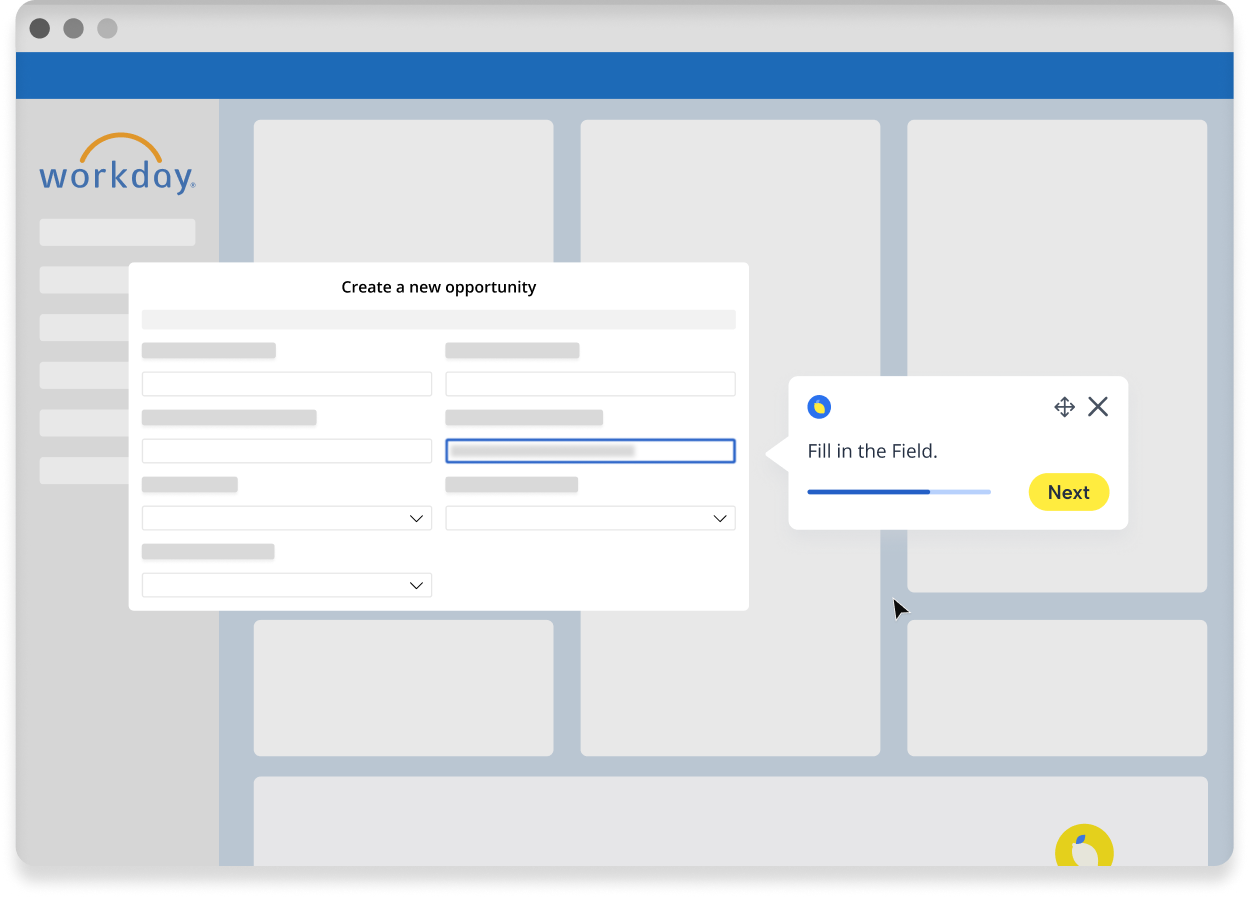
Interactive guides take users through real tasks inside the live system. They click through each step, enter real data, and complete actual work while learning. This approach has higher retention because it connects learning directly to doing.
Lemon Learning enables your L&D or enablement team to build these guides without code. You open the editor on top of the live application, walk through the process once, and the guide is ready to deploy to your users.
Provide Ongoing Reinforcement
Training shouldn't end at go-live. Quarterly Salesforce releases and biannual Workday updates mean your people need continuous support. Plan for regular content updates and refresher guidance that addresses new features and changed processes.
How Does In-App Guidance Accelerate Adoption?
In-app guidance puts help directly inside the tools your teams use. Instead of leaving Salesforce to search a knowledge base or waiting for IT to respond, users see contextual support anchored to the exact screen or field where they're stuck.
This approach addresses several adoption barriers at once. It reduces the time to productivity for new hires because they don't need to memorize everything before starting real work. It cuts support tickets because answers are available at the point of need. And it standardizes processes because everyone follows the same guided path.
Tooltips for Quick Clarification
Some questions don't require a full walkthrough. A tooltip attached to a specific field can explain what data to enter, why it matters, or what format to use. These contextual hints appear on hover, giving users just-in-time help without interrupting their flow.
Interactive Guides for Complex Processes
Multi-step workflows benefit from guided walkthroughs that take users through each action in sequence. Whether it's converting a lead in Salesforce or submitting a time-off request in Workday, an interactive guide ensures the process is completed correctly every time.
AI-Powered Assistance
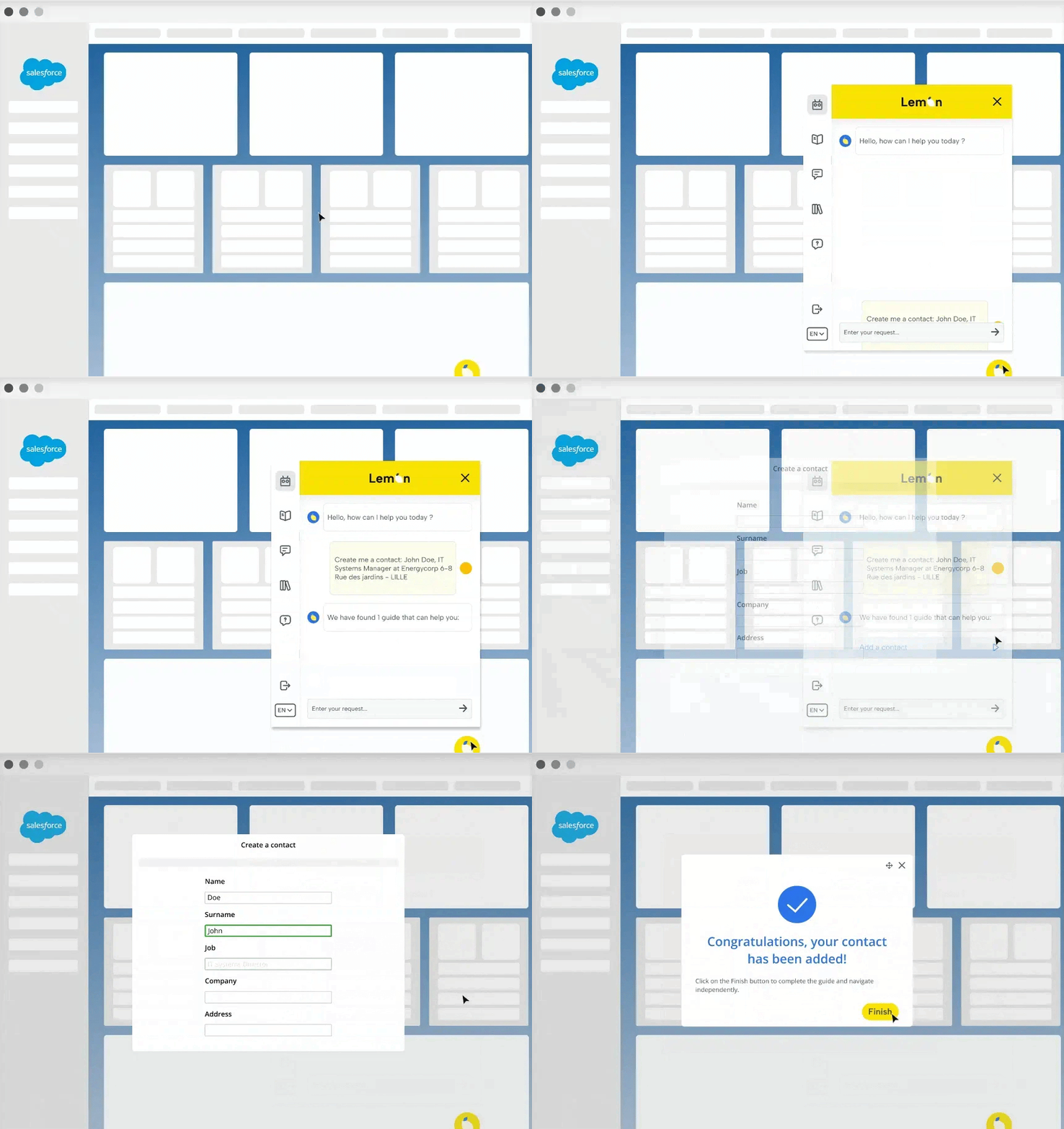
When users have questions that don't fit a predefined guide, an AI assistant can answer in natural language. Lemon Learning's AI assistant draws from your content library to resolve queries instantly and can launch relevant guides automatically based on the user's question.
How Do You Measure Salesforce and Workday Adoption?
You can't improve what you can't measure. Adoption metrics tell you whether your change management efforts are working and where you need to focus next.
Track Usage Patterns
Start with basic engagement: how many users log in, which pages they visit, and how long they spend in the application. Low login rates indicate a fundamental adoption problem. High time-on-page might signal confusion or a process that needs simplification.
Monitor Process Completion
Process analytics show you where users drop off within multi-step workflows. If 60% of users abandon a process at step four, you know exactly which step to fix rather than retraining the entire department.
Correlate With Business Outcomes
Adoption metrics matter most when connected to business results. Track CRM data quality improvements, reduced support ticket volumes, faster onboarding times, and increased usage of key features. These outcomes justify the investment in change management.
Set Benchmarks and Goals
Define what success looks like before you launch. What percentage of users should complete a specific process within the first 30 days? How much should support tickets decrease? Having clear targets helps you evaluate progress and adjust your approach.
What Role Does Analytics Play in Continuous Improvement?
Adoption is not a one-time event. Even after a successful initial rollout, you need visibility into how usage evolves over time. Analytics enable a continuous improvement loop where you spot problems early and address them before they become entrenched.
Lemon Learning's adoption analytics give you this visibility across your entire software stack. You see which guides are used most, where users get stuck, and which features are being ignored. This intelligence tells you exactly where to invest your next round of support content.
License optimization is another benefit. On average, 37% of SaaS licenses are dormant. Analytics can surface which seats are unused so you can reallocate them, renegotiate contracts, or understand why certain teams aren't engaging with tools they're supposed to use.
How Do You Handle Resistance to Salesforce and Workday Changes?
Resistance is a natural response to change, not a character flaw in your employees. Effective change management anticipates resistance and addresses it through support rather than mandates.
Acknowledge Concerns
People resist change for legitimate reasons: fear of looking incompetent, loss of familiar routines, or skepticism about whether the new system will actually work. Acknowledge these concerns openly rather than dismissing them.
Demonstrate Value Early
Show quick wins that prove the new way is better. If Workday self-service eliminates a cumbersome approval process, highlight that benefit. If Salesforce reporting gives sales reps better visibility into their pipeline, make sure they experience it firsthand.
Reduce the Perceived Burden
When the new system feels like extra work, resistance increases. In-app guidance reduces this burden by eliminating the need to remember training content or hunt for documentation. The help is right there, in context, which makes the new way feel more achievable.
Build Confidence Through Practice
Interactive simulations let users practice tasks in a safe environment before working in the live system. This hands-on experience builds confidence and reduces anxiety about making mistakes.
How Do You Sustain Adoption Beyond Go-Live?
Many organizations declare victory at go-live and move on to the next project. But adoption requires ongoing attention, especially as systems evolve and staff turns over.
Plan for Quarterly Releases
Salesforce ships three major releases each year. Workday updates twice annually. Each release can change interfaces, add features, and shift where things are located. Your change management plan should include a process for reviewing release notes, updating guidance content, and communicating relevant changes to affected users.
Support Continuous Onboarding
Every new hire needs to learn your systems. Rather than recreating training sessions each time, build a sustainable onboarding path that uses in-app guidance to ramp up new team members efficiently. This approach scales better than instructor-led training.
Maintain Feedback Loops
Create channels for users to report problems, request new guides, or suggest process improvements. This feedback keeps your support content relevant and shows employees that their input matters.
Review and Refresh Content
Guidance content gets stale. Set a regular cadence to review your guides and tooltips, remove outdated material, and add support for new workflows. Lemon Learning's no-code editor makes these updates fast so your content stays current without requiring IT involvement.
How Do You Build a Complete Change Management Plan Step by Step?
Bringing all these elements together into a cohesive plan requires a structured approach. Here's a step-by-step framework for building your Salesforce and Workday change management strategy.
Step 1: Define Success Criteria
Start with the end in mind. What does successful adoption look like for your organization? Define specific, measurable goals such as user login rates, process completion percentages, and support ticket reduction targets.
Step 2: Conduct Impact Assessment
Map every role affected by the change and document how their daily work will be different. Identify which groups face the biggest shifts and will need the most support.
Step 3: Engage Stakeholders
Secure executive sponsorship, align department managers, and recruit change champions. Ensure everyone understands their role in supporting adoption.
Step 4: Develop Communication Plan
Create a timeline of communications that builds awareness, provides detail, and reinforces the change. Tailor messages to different audiences and use multiple channels.
Step 5: Design Support Content
Build the guides, tooltips, and help resources your users will need. Prioritize the most critical processes and common pain points first. Use in-app delivery so support is available at the moment of need.
Step 6: Execute Phased Rollout
Consider piloting with a subset of users before full deployment. Gather feedback, fix issues, and refine your approach before scaling to the entire organization.
Step 7: Monitor and Adjust
Track adoption metrics from day one. Use analytics to identify where users are struggling and deploy additional support to those areas. Celebrate wins and address gaps quickly.
Step 8: Sustain and Iterate
Establish ongoing processes for updating content, supporting new hires, and adapting to system changes. Make change management a continuous practice rather than a one-time project.
FAQ