Comparison
The best Pendo alternatives for 2026
Pendo is a strong product experience platform, but it is analytics-first and built for customer-facing SaaS. For IT leaders and change managers focused on internal employee adoption, it can be technical to deploy, expensive at scale, and lighter on guidance than a purpose-built DAP. Here is an honest, side-by-side look at the strongest Pendo alternatives and how to choose.
Why look beyond Pendo?
The best Pendo alternatives, in one line each
Pendo's strengths are real, but they point at product teams and customer-facing SaaS. If your priority is internal employee adoption, simpler deployment or transparent pricing, these are the strongest alternatives to weigh.
- Lemon Learning. Best for employee onboarding, change management and the sustainable adoption of internal enterprise software, with included support and EU data sovereignty.
- Appcues. Best for SaaS product teams that want fast, no-code in-app onboarding flows, with multi-channel and native mobile support.
- Userpilot. Best for mid-market SaaS teams that want onboarding, feature adoption and product analytics in one accessible tool.
- Userlane. Best for enterprise employee adoption in Microsoft-heavy environments, with a guidance-first model and the HEART measurement framework.
What to look for in a Pendo alternative
DAP evaluations that start with feature checklists often end with the wrong choice. Before comparing platforms, get clear on the decisions that actually move the needle.
How the Pendo alternatives compare
Lemon Learning
Our pickBest suited to: Organisations focused on employee onboarding, change management and the sustainable adoption of internal enterprise software at scale.
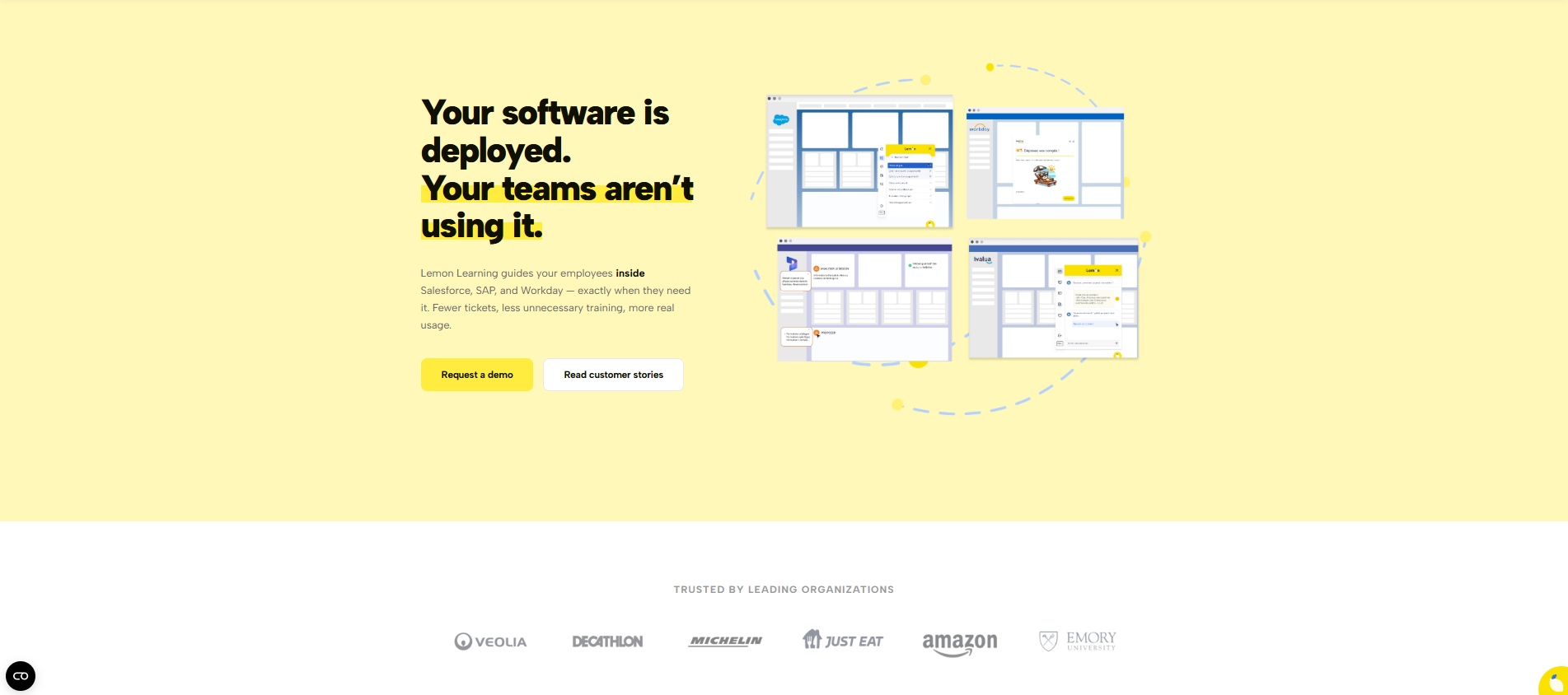
Lemon Learning is a leading European DAP referenced in the Gartner Market Guide for Digital Adoption Platforms (September 2025). Where Pendo leads with analytics and targets product teams, Lemon Learning leads with in-app guidance and targets IT leaders, change managers and organisations deploying enterprise applications at scale. It was built for internal software adoption from the ground up, not adapted from a product analytics tool.
What makes it different from Pendo
For organisations evaluating both platforms, our Lemon Learning vs Pendo comparison breaks down deployment, support, guidance depth, AI capabilities and pricing side by side.
- Code-free deployment. Integration is a JavaScript snippet or browser extension, and new admins are producing content in about three hours with a no-code editor, no developer or IT support required, versus Pendo's technical install.
- Unlimited support included. Unlike Pendo's split of free and paid tiers, every licence includes unlimited local support with a dedicated project manager, pedagogical engineer and technical manager, plus regular follow-up workshops.
- Guidance-first for employees. Interactive walkthroughs, tooltips, push notifications and self-service support are the core, built for internal ERP, HRIS and CRM workflows rather than customer-facing onboarding.
- Governance built in. Lemon Governance monitors software usage across tools, prevents Shadow IT and manages content at scale, taking the platform well beyond onboarding into long-term programme management. Pendo has no equivalent.
- EU-sovereign by default. Hosted in Europe and GDPR-compliant by design, where Pendo is a US-based platform. No configuration required for procurement or legal.
AI capabilities in 2026
- AI Assistant. The AI Assistant instantly resolves user queries in natural language and suggests or launches the right guide automatically, cutting support ticket volume at scale.
- AI Guide Creator. The AI guide creation generates contextual, step-by-step in-app guides from a simple text prompt, with automated translation across 35+ languages.
Limitations to consider
Lemon Learning is built for internal employee adoption, not customer-facing product analytics. If your primary need is behavioural analytics, session replay or product-led growth on an external SaaS product, a product experience platform like Pendo may fit that specific brief better.
Appcues
Best suited to: SaaS product and customer success teams that need to ship in-app onboarding flows quickly, without engineering involvement.
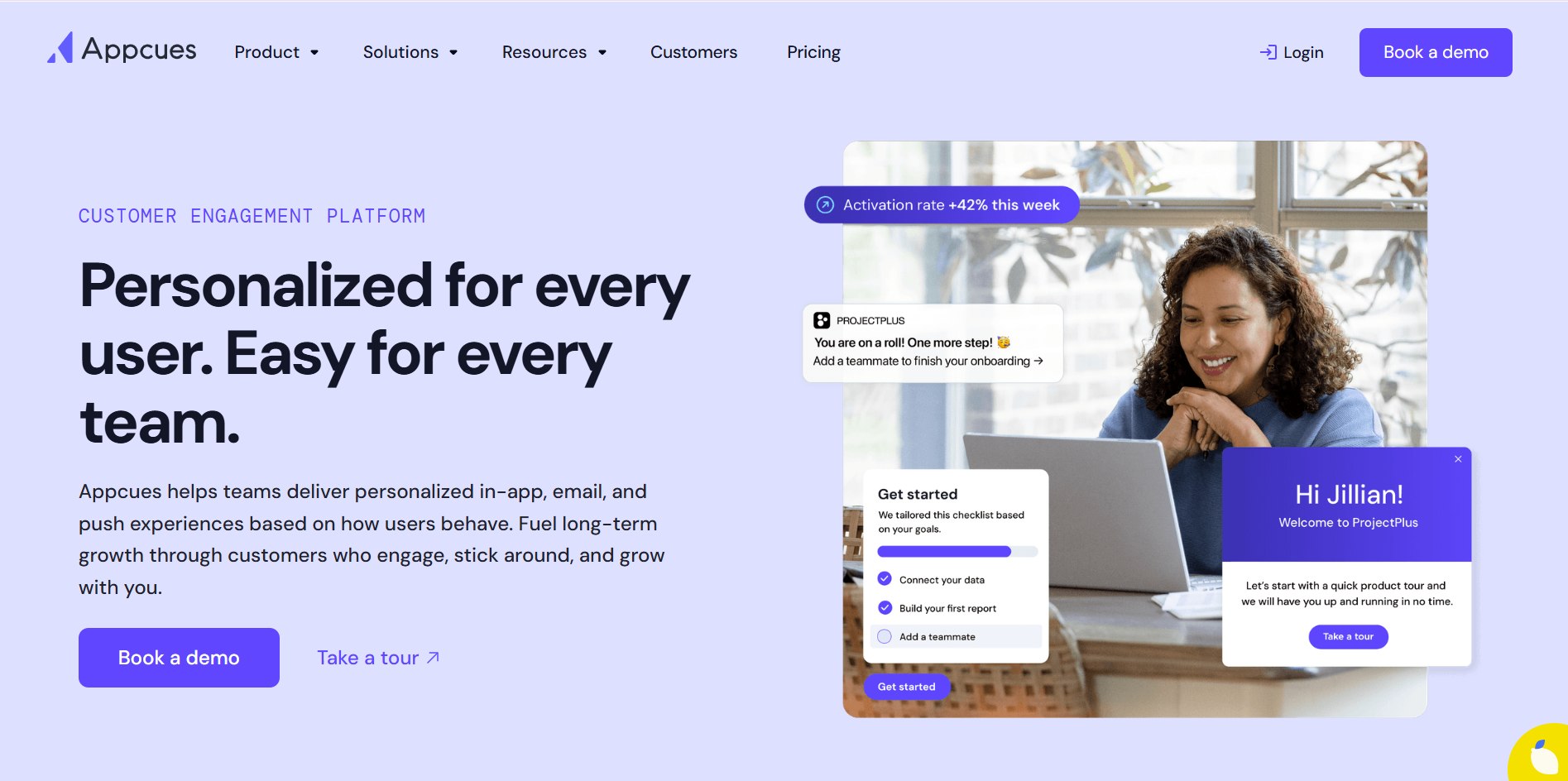
Appcues is a no-code product adoption platform built for SaaS teams. Where Pendo leads with data depth and Lemon Learning leads with enterprise employee support, Appcues leads with speed and simplicity, designed to get onboarding experiences live fast.
Where it excels
Rapid, intuitive no-code setup; multi-channel engagement across in-app, behavioural email and mobile push from one platform; and native iOS, Android and React Native SDKs, making it a strong fit for mobile-first products.
Where it falls short
It is best suited to customer-facing SaaS. It is rarely used for internal employee adoption across enterprise applications like ERP or HRIS, and its analytics are lighter than Pendo's. Published pricing starts from $249 per month for up to 2,500 MAUs.
Compared to Lemon Learning
Both are far simpler to deploy than Pendo. Appcues is the better fit for fast customer-facing onboarding and mobile; Lemon Learning is the better fit for internal enterprise adoption, included support and governance at scale.
Userpilot
Best suited to: Mid-market SaaS product and growth teams that want onboarding, feature adoption and product analytics in a single, accessible tool.
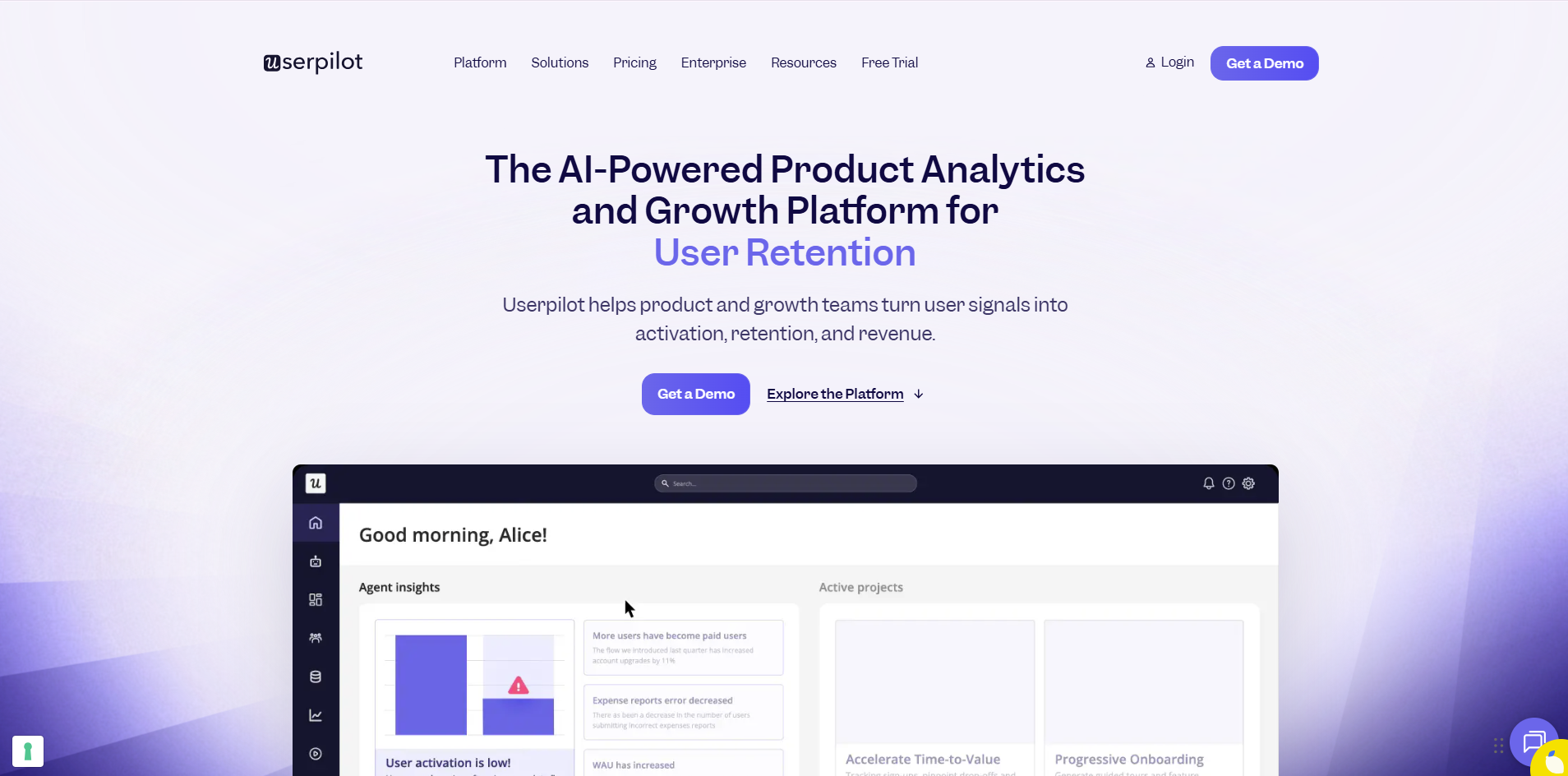
Founded in 2018, Userpilot is a product growth platform positioned as a more affordable and accessible alternative to both Pendo and enterprise DAPs. Its Chrome-extension no-code builder, strong user segmentation and built-in analytics make it a capable option for mid-market SaaS companies that find Pendo over-engineered.
Where it excels
No-code flows, tooltips, modals and checklists; behaviour-driven segmentation and targeting; and built-in product analytics (funnels, cohorts, feature engagement, NPS) included in the core, so teams get both guidance and data without a separate tool.
Where it falls short
It is primarily suited to customer-facing SaaS and product-led growth, and less so to internal enterprise employee adoption, large multi-application deployments or strict data residency requirements. Starter pricing is published from $249 per month; higher tiers are custom.
Compared to Lemon Learning
Userpilot bundles onboarding and analytics neatly for mid-market SaaS. Lemon Learning is purpose-built for internal employee adoption, with included support, governance and EU sovereignty that Userpilot does not target.
Userlane
Best suited to: Enterprise teams focused on employee software adoption and change management, especially in Microsoft-heavy environments.
Userlane is a Munich-based DAP founded in 2015, recognised by both IDC and Gartner. Unlike analytics-first Pendo, Userlane is guidance-first, a more natural fit for enterprise teams focused on employee adoption rather than product analytics.
Where it excels
Step-by-step interactive walkthroughs for employee workflows; an AI Assistant integrated with Microsoft 365 Copilot for agentic cross-application guidance; and the HEART framework (Happiness, Engagement, Adoption, Retention, Task Success) for structured outcome measurement across the lifecycle.
Compared to Lemon Learning
Both are guidance-first and EU-based, a clear contrast with Pendo. Userlane is a strong fit for Microsoft-dependent estates; Lemon Learning goes deeper on included support, ready-to-use content libraries and full-lifecycle governance.
The questions that actually decide it
The platforms above all have the fundamentals. The right fit comes down to a handful of questions.
For internal employee adoption across enterprise apps, Lemon Learning and Userlane are built for the job. For customer-facing SaaS onboarding, Appcues, Userpilot and Pendo are the relevant field.
If you need deep behavioural analytics and product insights, Pendo leads. If you need rich, contextual in-app guidance as the core, a purpose-built DAP like Lemon Learning is the stronger choice.
Pendo's install is technical and can run for weeks. If you want a non-technical team live in hours, Lemon Learning, Appcues and Userpilot are all genuinely no-code.
If you need a dedicated team rather than a free tier plus paid premium, Lemon Learning's included support (project manager, pedagogical engineer, technical manager) is structurally different from Pendo and most alternatives here.
Pendo, Appcues and Userpilot are US-based. If EU hosting must be the default, Lemon Learning is GDPR-compliant out of the box, and Userlane is Munich-based. See the full best digital adoption platforms list for the wider field.
A two-person team turned its Salesforce CRM into a self-serve training tool
"Compared with other applications we had considered, which felt technical, process-driven, and even daunting, Lemon Learning stood out for its ease of use."

Pendo alternatives, common questions.
What is the best Pendo alternative? +
There is no single best one; it depends on your use case. For internal employee adoption across enterprise apps, Lemon Learning is the strongest fit, with Userlane a strong option in Microsoft-heavy estates. For customer-facing SaaS onboarding, Appcues and Userpilot are worth evaluating. Our best digital adoption platforms guide compares them in depth.
Why choose a Pendo alternative? +
Pendo is analytics-first and built for customer-facing SaaS. For internal employee adoption, its in-app guidance is less comprehensive than purpose-built DAPs, installation is technical and typically needs developers, and pricing scales sharply with user volume. Teams with those priorities often find a better fit elsewhere.
How much does Pendo cost? +
Pendo has a free tier for up to 500 monthly active users, but paid pricing is quote-only and scales significantly with user volume, making it one of the more expensive options for large deployments. Premium support is an additional cost. Lemon Learning offers transparent per-tool or corporate annual licensing with support included.
Is Pendo good for internal employee adoption? +
Pendo can guide internal users, but it was designed for product teams analysing customer-facing SaaS. For employee adoption across ERP, HRIS or CRM, with enterprise integrations, governance and employee-specific workflows, a DAP built for that purpose such as Lemon Learning or Userlane is usually a better fit.
Is there a GDPR-compliant Pendo alternative? +
Yes. Pendo is a US-based platform, whereas Lemon Learning is EU-hosted by default and GDPR-compliant by design, which is why it is often shortlisted by public sector, healthcare and financial-services teams. Userlane, based in Munich, is another European option.
Compare them on your own stack.
In 30 minutes we will run Lemon Learning on the actual tools you are evaluating, whether it is Salesforce, SAP, Workday or an in-house application. No generic walkthrough, just a tailored demo relevant to you.
Book a demo