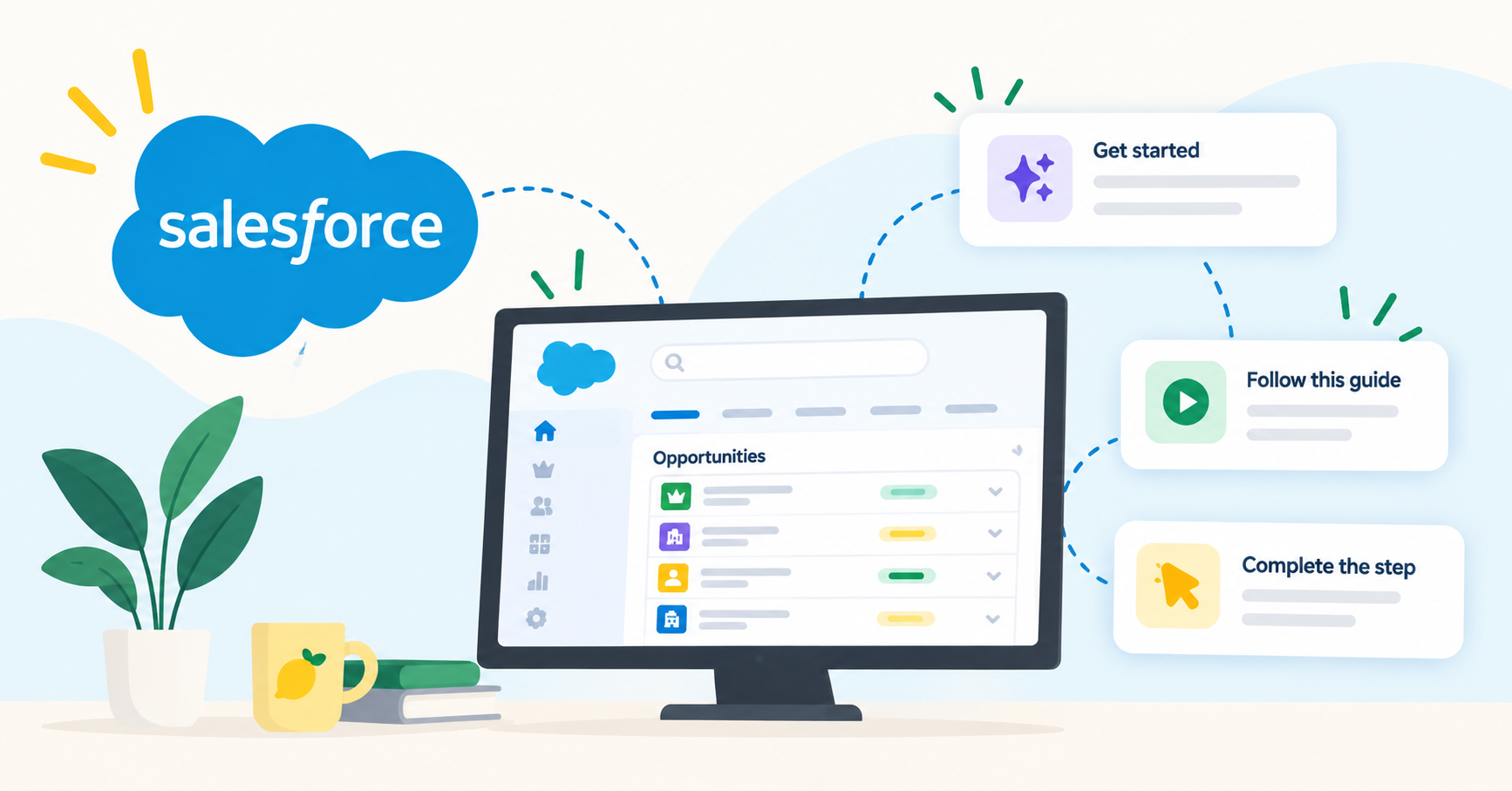
Salesforce adoption measures how consistently your teams use Salesforce for the tasks it was deployed to support. When adoption is low, CRM data degrades, reporting loses reliability, and the return on a significant technology investment erodes quarter after quarter.
According to multiple analyst sources, roughly 30 to 70 percent of CRM implementations underdeliver, and the cause is people and process, not the technology itself. (Source: Forrester, 2025; Johnny Grow, 2025)
This guide maps the full landscape of Salesforce adoption tools available to CIOs and IT leaders today. You will find a structured breakdown of tool categories, evaluation criteria, implementation approaches, and measurement frameworks designed to reduce support tickets, accelerate user proficiency, and protect CRM ROI.
Lemon Learning helps organizations address Salesforce adoption with in-app guidance, AI assistance, and analytics delivered directly inside the CRM interface. Where relevant, this guide connects those capabilities to the specific challenges each tool category is designed to solve.
Key Takeaways: The Complete Guide to Salesforce Adoption Tools
- Salesforce adoption tools fall into five categories: native platform features, Digital Adoption Platforms, analytics, AI assistants, and change management frameworks.
- Poor user adoption remains the primary reason CRM projects underdeliver, regardless of the platform selected or the budget allocated.
- In-app guidance reduces support tickets by addressing user questions at the exact moment and screen where confusion occurs.
- Lemon Learning delivers step-by-step interactive guides, tooltips, and AI assistance directly inside Salesforce for every user role.
- Measuring adoption requires tracking process completion and data quality, not just login counts or session duration.
What Is Salesforce Adoption and Why Does It Matter for CIOs?
Salesforce adoption refers to the degree to which users incorporate Salesforce into their daily workflows. It goes beyond login frequency. True adoption means users follow the correct processes, enter accurate data, and rely on the platform for the tasks it was configured to support.
For CIOs, the stakes are direct. A Salesforce deployment that users avoid generates inaccurate pipeline data, weakens forecasting, and inflates support costs. According to sourced CRM research from 3LI Global (2026), CRM failure rates range from 30 to 70 percent across analyst sources, with poor user adoption cited as the leading cause in every study.
Salesforce's own State of Sales research has found that sales representatives spend less than a third of their working time on selling activities. The remaining time goes to administration and data entry. A CRM that adds administrative burden rather than reducing it is one your teams will quietly abandon.
Five Categories of Salesforce Adoption Tools
Salesforce adoption tools are not a single product category. They span a range of approaches, each targeting a different layer of the adoption problem. Understanding these categories helps you build a strategy that covers the full user journey rather than relying on a single solution.
Native Salesforce Adoption Features
Salesforce includes built-in capabilities designed to support user onboarding and engagement. In-App Guidance allows administrators to create prompts and walkthroughs that appear on specific pages. Trailhead and myTrailhead offer modular learning paths. Learning Paths combine Trailhead content with in-app delivery.
These features work for organizations with relatively standard Salesforce configurations. When your org includes custom objects, non-standard page layouts, and role-specific workflows, native features may not address every adoption gap your teams face.
Digital Adoption Platforms for Salesforce
A Digital Adoption Platform (DAP) layers interactive guides, tooltips, and contextual help directly on top of the Salesforce interface. Users receive step-by-step instructions at the exact screen and field where they need assistance, without leaving the application.
DAPs address the core limitation of external training: knowledge decay. Research on retention consistently shows that users forget the majority of what they learn in a classroom setting by the end of the first week. In-app guidance solves this by delivering the right instruction at the right moment.
Lemon Learning operates as a DAP that integrates directly with Salesforce, including Sales Cloud, Service Cloud, and Lightning Experience. Its no-code editor allows L&D and operations teams to build and publish guides without requiring Salesforce administrator involvement.
Adoption Analytics and Measurement Tools
You cannot improve what you do not measure. Adoption analytics tools track how users interact with Salesforce at a granular level: which screens they visit, which processes they complete, and where they drop off.
Native Salesforce dashboards can track basic metrics such as login frequency and record creation rates. Dedicated analytics platforms go deeper, mapping process completion step by step and identifying the exact field or action where users abandon a workflow.
Lemon Learning's Guidance Analytics measures guide completion, drop-off rates, and time per step across every application your teams use. This data creates a feedback loop: identify where adoption breaks, build or revise the guide for that specific step, then measure the result.
AI-Powered Assistance for Salesforce Users
AI assistants address the unpredictable questions that structured guides cannot anticipate. When a user encounters an unfamiliar field or an edge-case scenario, an AI assistant can interpret the question in natural language and direct them to the right guide or documentation.
Lemon Learning's AI Assistant answers user questions directly inside Salesforce, drawing from your organization's own guide library. This reduces the volume of Level 1 and Level 2 support requests by resolving common questions before they become tickets.
Change Management and Communication Tools
Every Salesforce update, process change, or new feature release creates a new adoption challenge. Change management tools help you communicate updates to the right users at the right moment, rather than relying on email announcements that go unread.
In-app announcements, targeted push messages, and contextual banners ensure that users see critical information on the screen where it applies. Lemon Learning's Announcements feature delivers targeted messages by role, team, or location directly inside Salesforce, so updates reach users in the flow of work.
How to Evaluate Salesforce Adoption Tools
Selecting the right adoption tool requires a structured evaluation. The criteria below address the technical, operational, and organizational factors that determine whether a tool will deliver lasting results.
Does the Tool Work on Your Salesforce Configuration?
Every Salesforce org is different. Custom objects, page layouts, validation rules, and Lightning components create a unique environment. An adoption tool must work on your specific configuration, not just on a standard Salesforce demo environment.
Verify whether the tool supports Lightning Experience, Classic, Sales Cloud, Service Cloud, and Experience Cloud. If your teams also use connected applications such as SAP, Workday, or ServiceNow, evaluate whether the adoption tool can extend guidance across those platforms as well.
Can Non-Technical Teams Create and Update Content?
Adoption content has a short shelf life. Salesforce releases three major updates per year, and your internal processes may change even more frequently. If every guide update requires a developer or a Salesforce administrator, your content will fall behind.
A no-code editor that allows L&D, enablement, or operations teams to create and modify guides independently is a practical requirement for organizations that need to maintain content at scale.
How Does the Tool Measure Adoption Outcomes?
Login counts and session duration tell you who showed up. They do not tell you whether anyone completed the correct workflow. Look for tools that track process completion, step-level drop-off, and data quality indicators.
The ability to filter analytics by role, team, region, and time period is equally important. A global rollout may show healthy aggregate numbers while specific markets or teams fall behind.
Does the Tool Support Multiple Languages and Regions?
Global Salesforce deployments require guidance in every language your teams operate in. Evaluate whether the tool supports multi-language delivery from a single source, or whether each language requires a separate set of content.
Lemon Learning supports localization across more than 20 languages, with a translation interface that lets a central team author guides once and local teams validate the translation for their market.
Step-by-Step Guide to Implementing Salesforce Adoption Tools
Deploying an adoption tool is itself an adoption project. The following steps outline a structured approach that moves from diagnosis through deployment to measurement.
Step 1: Audit Your Current Salesforce Adoption Gaps
Before selecting a tool, document where adoption is breaking down. Review support ticket data to identify the most common Salesforce-related questions. Analyze Salesforce usage reports to find underused features, incomplete records, and processes with high abandonment rates.
Interview a cross-section of users, including power users, occasional users, and new hires. Their pain points will differ, and your adoption strategy needs to address all three.
Step 2: Define Adoption Goals and KPIs
Set specific, measurable objectives before deploying any tool. Examples include reducing Salesforce-related support tickets by 40 percent in 90 days, achieving 80 percent process completion on opportunity creation workflows, or cutting new-hire time-to-proficiency from four weeks to one.
Each goal should connect to a business outcome your executive team cares about: pipeline accuracy, revenue forecasting reliability, or support cost reduction.
Step 3: Select and Deploy the Right Tool Combination
Most organizations benefit from a combination of tools rather than a single solution. Native Salesforce features handle basic onboarding. A DAP addresses complex, role-specific workflows. Analytics close the feedback loop by showing where guidance is working and where it needs revision.
Lemon Learning's average deployment timeline is five days from kick-off to first live guide. Technical integration takes approximately 30 minutes, with the remaining time spent on building the guides that matter most to your teams.
Step 4: Build Role-Specific Guidance Content
A sales representative, a service agent, a manager, and an administrator each use Salesforce differently. One-size-fits-all training fails because it bores experienced users and overwhelms new ones.
Create role-specific guides that walk each user through the exact workflows their job requires. User segmentation ensures that each profile sees only the content relevant to their role, reducing noise and increasing completion rates.
Step 5: Measure, Iterate, and Scale
After deployment, monitor your KPIs weekly. If a specific guide shows high drop-off at step four of eight, revise step four rather than rebuilding the entire guide. This targeted approach keeps your content accurate and your maintenance burden manageable.
As adoption improves in the initial pilot group, extend guidance to additional teams, regions, and Salesforce modules. A federated model, where a central team manages standards and local teams adapt content, scales effectively across global organizations.
How In-App Guidance Reduces Salesforce Support Tickets
Support ticket volume is one of the most visible symptoms of poor Salesforce adoption. When users cannot find the right field, complete a process, or understand a validation error, they raise a ticket. Each ticket consumes IT or admin time and delays the user's own work.
In-app guidance addresses this pattern at the source. Instead of training users in advance and hoping they remember, you place the answer directly on the screen where the question arises. Tooltips explain individual fields. Step-by-step guides walk users through multi-step processes. A resource center gives users a searchable hub of answers inside Salesforce.
METRO France reported an 80 percent reduction in support tickets after deploying in-app guidance across their Salesforce environment. (Source: Lemon Learning customer data) This result reflects a pattern documented across Lemon Learning's 200-plus enterprise customers: when users can self-serve at the moment of need, the volume of repetitive questions drops measurably.
Salesforce Adoption Metrics CIOs Should Track
Not all metrics carry equal weight. CIOs need a focused set of indicators that connect user behavior to business outcomes. The following metrics go beyond login counts to reveal whether your Salesforce investment is generating the return it should.
Process Completion Rate
Track the percentage of users who complete key workflows, such as opportunity creation, lead conversion, or case resolution, from start to finish. A high completion rate indicates that users understand and follow the intended process. A low rate signals a sticking point that needs investigation.
Data Quality Indicators
Measure the percentage of required fields completed, the accuracy of stage updates, and the freshness of record data. Poor data quality is both a symptom and a cause of low adoption. When CRM data is unreliable, users lose trust in the platform and revert to off-system methods.
Support Ticket Volume by Category
Segment your Salesforce-related support tickets by topic and frequency. The top five recurring questions represent your highest-value targets for in-app guidance. A declining ticket trend in those categories confirms that your adoption tools are working.
Time-to-Proficiency for New Users
Measure how long it takes a new hire to complete their first set of key tasks independently. Reducing this metric directly impacts team productivity and reduces the load on enablement and support teams during onboarding cycles.
Common Salesforce Adoption Mistakes and How to Avoid Them
Adoption projects fail for predictable reasons. Recognizing these patterns early allows you to design a strategy that avoids the most common pitfalls.
Treating Adoption as a One-Time Training Event
A launch-day session or a one-week onboarding program does not create lasting adoption. Users forget most of what they learn if it is not reinforced at the point of application. Adoption is an ongoing discipline that requires in-context reinforcement every time a process changes or a new user joins.
Ignoring the Customized Org Problem
Your Salesforce is not standard Salesforce. Custom fields, unique page layouts, and organization-specific validation rules mean that generic learning paths do not match what your users see on screen. Adoption tools must work on your org, with your configurations, for your processes.
Measuring Logins Instead of Outcomes
A user can log in every day and still avoid the workflows that matter. Login frequency is a vanity metric. Track process completion, data quality, and support ticket trends to understand whether adoption is producing the business results you need.
Centralizing All Content Creation
When a single team controls all adoption content, updates lag behind process changes. Enable local teams and business units to create and modify guidance content with appropriate governance controls, so content stays current across every region and role.
In Conclusion: Building a Salesforce Adoption Strategy That Lasts
Salesforce adoption is not a project with a finish line. It is an ongoing operational discipline that requires the right combination of tools, metrics, and organizational commitment. The tools you select should address the full adoption lifecycle: onboarding, reinforcement, change communication, and measurement.
Start by auditing where your teams encounter resistance today. Define measurable goals tied to business outcomes. Deploy tools that deliver guidance at the moment of need, not hours or days after the question arose. Then measure relentlessly and iterate.
Lemon Learning gives CIOs and IT leaders a complete adoption layer for Salesforce, combining interactive guides, AI assistance, and analytics in a single platform that your teams can manage without code. Request a demo to see it on your own Salesforce environment.
FAQs