Comparison
The best ClickLearn alternatives for 2026
ClickLearn records a process on Windows and turns it into training documents, videos and slides. That works for producing materials, but users still have to go and look them up when they get stuck. If you want to guide employees inside the application, measure what they actually do and author without installing anything, these are the strongest ClickLearn alternatives.
Why look beyond ClickLearn?
The best ClickLearn alternatives, in one line each
- Lemon Learning. Best for guiding employees inside every business app, web and desktop, with real usage analytics, browser-based authoring and support included.
- Whatfix. Best for large enterprises with the budget for a multi-product suite, with analytics and simulation training sold separately.
- WalkMe. Best for large enterprises with dedicated digital adoption teams and long implementation timelines, now part of SAP.
- Userlane. Best for employee adoption in Microsoft-heavy web environments.
- SAP Enable Now. An SAP-centric recording and documentation tool, with end of mainstream maintenance announced for 2030.
What to look for in a ClickLearn alternative
Moving on from ClickLearn usually means moving from documentation to guidance. Check these four points before you shortlist.
How the ClickLearn alternatives compare
Lemon Learning
Our pickBest suited to: Organizations that want to replace training documents with guidance inside the application, across CRM, ERP, HR and in-house tools.
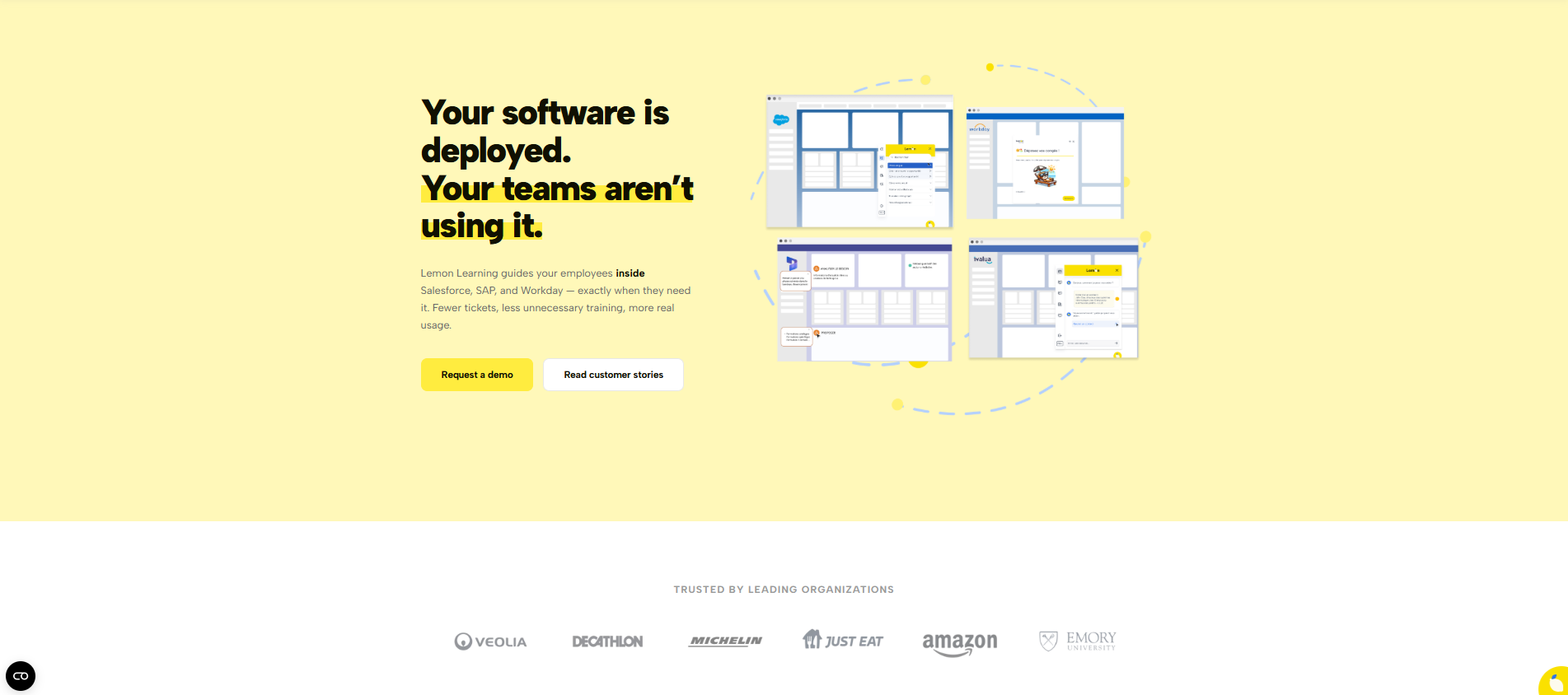
Lemon Learning is a European DAP referenced in the Gartner Market Guide for Digital Adoption Platforms (September 2025). Where ClickLearn produces documents users have to look up, Lemon Learning guides them on screen, step by step, at the moment they act, and shows you where they get stuck.
- Nothing to install. A browser-based no-code editor and AI guide creation, on Windows or Mac. Admins are up and running in about three hours.
- Real usage, measured. Lemon Analytics shows steps completed, drop-offs and time spent on each process.
- Web and desktop. Guidance for SaaS apps and native desktop tools such as SAP GUI, Citrix and .NET.
- Support and security included. A dedicated project manager, instructional designer and technical manager with every license, ISO 27001 certified and hosted in Europe by default.
Keeping your materials: existing ClickLearn content can serve as the basis for in-app guides, so you can start on one application without disrupting what is in place.
Whatfix
Best suited to: Large enterprises with the budget and internal resources for a multi-product adoption suite.
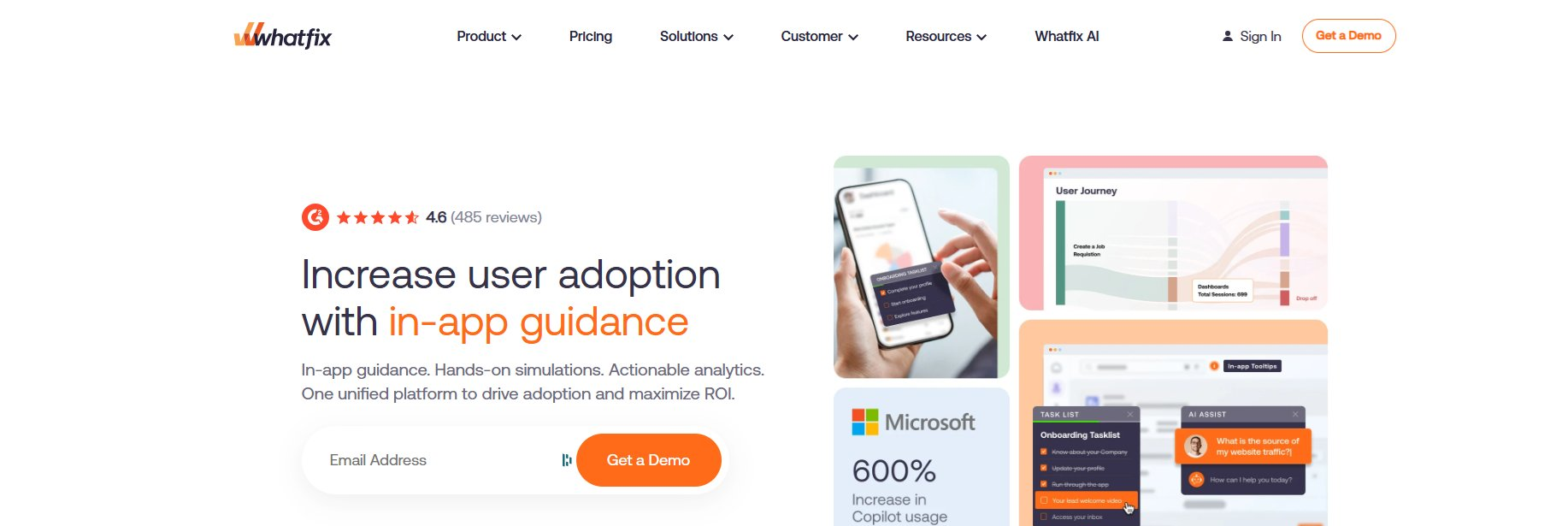
Whatfix runs as a suite of three products: the core DAP for in-app guidance, Product Analytics, and Mirror for simulation-based training. Entry contracts sit around $24,000 per year, larger deployments run $40,000 to $70,000 or more, and Product Analytics and Mirror are sold separately.
Compared with Lemon Learning, setup is heavier and modules are billed separately, where Lemon includes support and reaches production in days.
WalkMe
Best suited to: Large enterprises with dedicated digital adoption teams, deep customization needs and substantial budgets.
WalkMe, part of SAP since 2024, offers deep customization but a lengthy implementation, separately billed support and custom pricing, with average contract values around $79,000 per year. For non-SAP estates, its roadmap now answers to SAP's priorities.
Compared with Lemon Learning, WalkMe needs dedicated engineers and months to deploy, where Lemon reaches production in days with support included.
Userlane
Best suited to: Teams focused on employee adoption in Microsoft-heavy web environments.
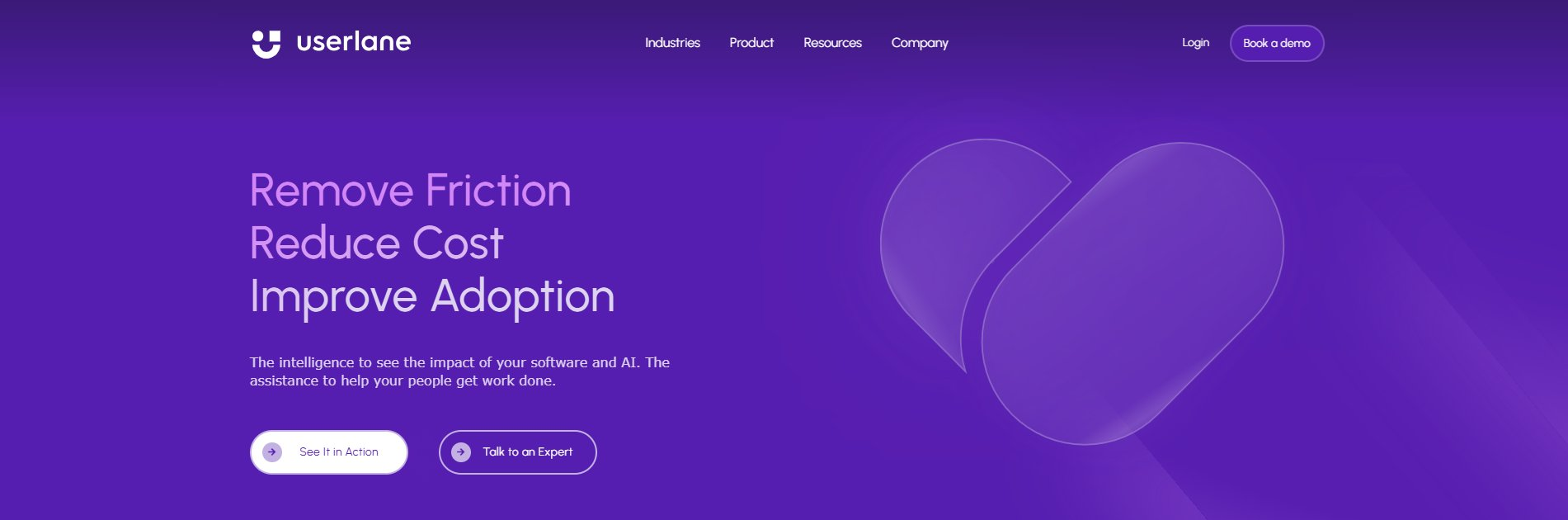
Userlane is a Munich-based, guidance-first DAP with an AI Assistant integrated with Microsoft 365 Copilot and the HEART framework for outcome measurement.
Both Userlane and Lemon Learning are EU-based and built for employees; Lemon Learning goes further on included support, desktop coverage and ready-to-use content libraries.
SAP Enable Now
Best suited to: SAP-only estates that want recorded simulations and documentation, and can plan around the product's end of life.
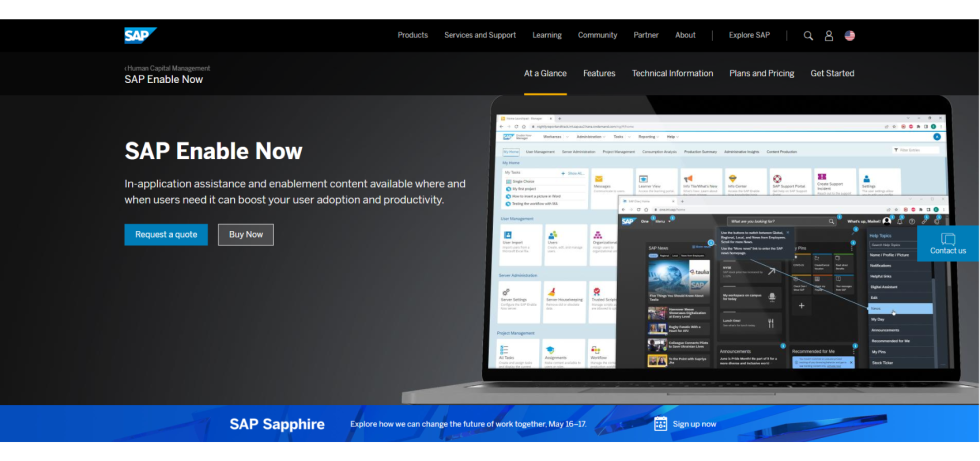
SAP Enable Now works much like ClickLearn: authors record processes and produce simulations, documents and in-app help, mainly for SAP applications. SAP has announced end of mainstream maintenance for November 2030, so choosing it today means planning a second migration.
Compared with Lemon Learning, it stays centered on SAP, where Lemon guides users across every application in your landscape, SAP included.
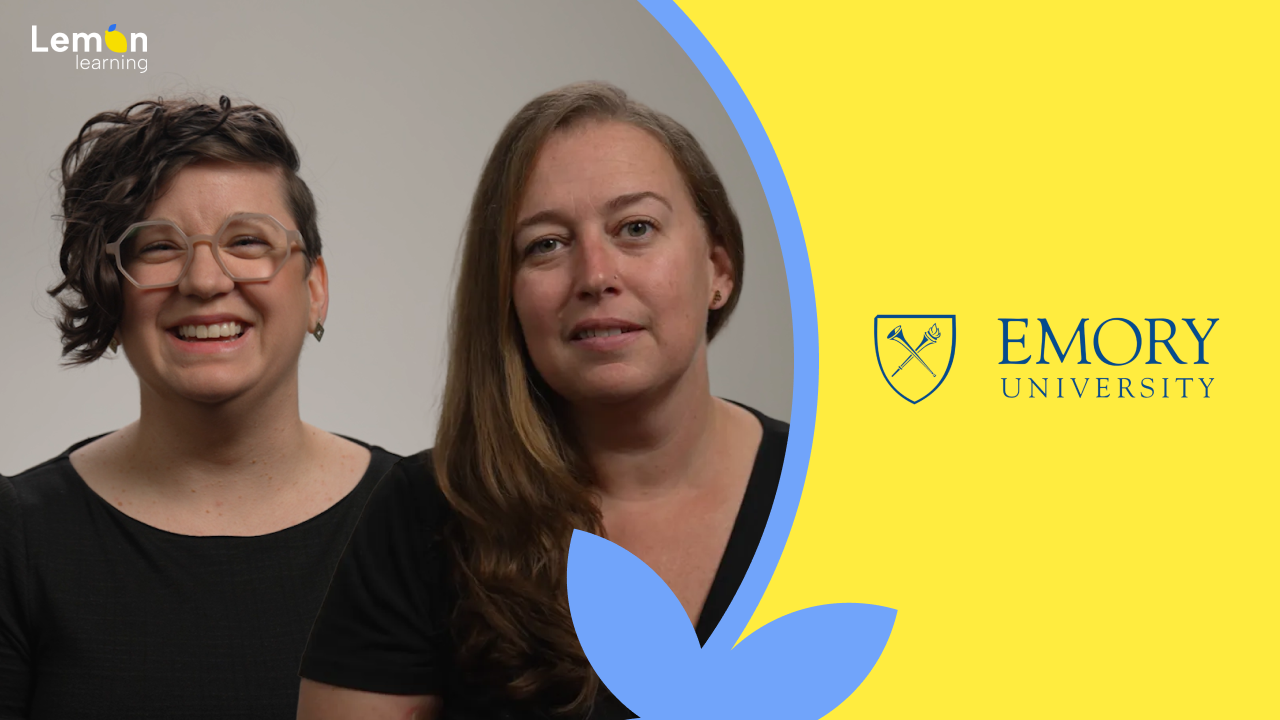
A two-person team guided Salesforce adoption, and retired the PDFs
"If users stay in the space where they're doing the work, it leads to better learning outcomes and meets their needs just in time."
ClickLearn alternatives, common questions.
What is the best ClickLearn alternative? +
For guiding employees inside their applications rather than producing documents, Lemon Learning is the strongest fit: browser-based authoring, real usage analytics, web and desktop coverage and support included. Whatfix and WalkMe suit very large enterprises with bigger budgets, Userlane fits Microsoft-heavy web estates, and SAP Enable Now stays SAP-centric. See our best digital adoption platforms guide for the full field.
Why choose a ClickLearn alternative? +
Teams move on when documents stop driving adoption: users do not open them, tickets keep coming, and there is no view of what happens in the application. A digital adoption platform guides users as they work and measures the result.
Can we keep our ClickLearn content? +
Yes. Your existing materials can serve as the basis for in-app guides, and AI speeds up their creation, so you can start with Lemon Learning on one application. See our Lemon Learning vs ClickLearn comparison for the detail.
Is ClickLearn a digital adoption platform? +
ClickLearn is primarily a documentation and training-content tool. It records processes to generate documents, videos and slides, with a separate assistant module. A dedicated DAP such as Lemon Learning is built around in-app guidance and usage analytics.
Is there an ISO 27001 certified ClickLearn alternative? +
Yes. Lemon Learning is ISO 27001 certified, hosted in Europe by default and GDPR-compliant by design.
Compare them on your own stack.
In 30 minutes we will run Lemon Learning on the actual tools you are evaluating, whether it is Salesforce, SAP, Workday or an in-house application.
Book a demo