IT Modernization: How to Replace Legacy Apps Without Losing Your Users
What is IT modernization? Learn the main approaches to replacing legacy apps, why projects stall on user adoption, and how to bring your users with you.
IT modernization means replacing or upgrading legacy applications and infrastructure so they meet today's business, security and cost needs. Most projects plan carefully for the technology. Far fewer plan for the people who have to switch from the old system to the new one, and that is where many of them stall.
Key takeaways
IT modernization replaces legacy systems that are costly, risky or holding the business back.
Approaches range from moving apps to the cloud as they are to replacing them completely.
A new system only delivers value when people actually use it correctly.
Plan adoption from day one: guidance inside the new app and data on how it is used.
What is IT modernization?
IT modernization is the process of updating an organization's technology so it can support current and future needs. It usually targets legacy applications: older systems that are expensive to maintain, hard to integrate, no longer supported or simply too slow for how the business works today.
Typical drivers include rising maintenance costs, security and compliance risks, the move to the cloud, and the need for better data and integration. Deciding which applications to modernize first is often part of an application portfolio management review.
Common IT modernization approaches
Approach
What it means
Impact on users
Rehost
Move the app to new infrastructure, such as the cloud, with few changes
Low: the interface mostly stays the same
Replatform
Move the app and make targeted improvements along the way
Low to medium
Refactor
Rework the code and architecture of the existing app
Medium: screens and workflows may change
Replace
Retire the old system and move to a new product, often SaaS
High: users learn a new tool and new processes
The further you move down this table, the more your project depends on people changing how they work.
The forgotten part of IT modernization: user adoption
Modernization plans are usually measured by technical milestones: data migrated, system live, old app switched off. But the business case depends on what happens next.
Productivity dips after go-live
Experienced users become beginners overnight, and simple tasks take longer.
Support tickets spike
The help desk is flooded with "how do I…?" questions just when IT is busiest.
Workarounds creep back
People export data to spreadsheets or keep using the old tool, so the expected benefits never arrive.
Free report
See where software adoption breaks down after rollout, with real data.
Give user adoption its own budget, owner and milestones, alongside the technical workstream.
2Map what changes for each role
List the tasks each group does in the legacy app and how they will be done in the new one. This shows where people will need the most help.
3Involve key users early
Champions from each team test the new system, give feedback and support colleagues after launch.
4Guide users inside the new application
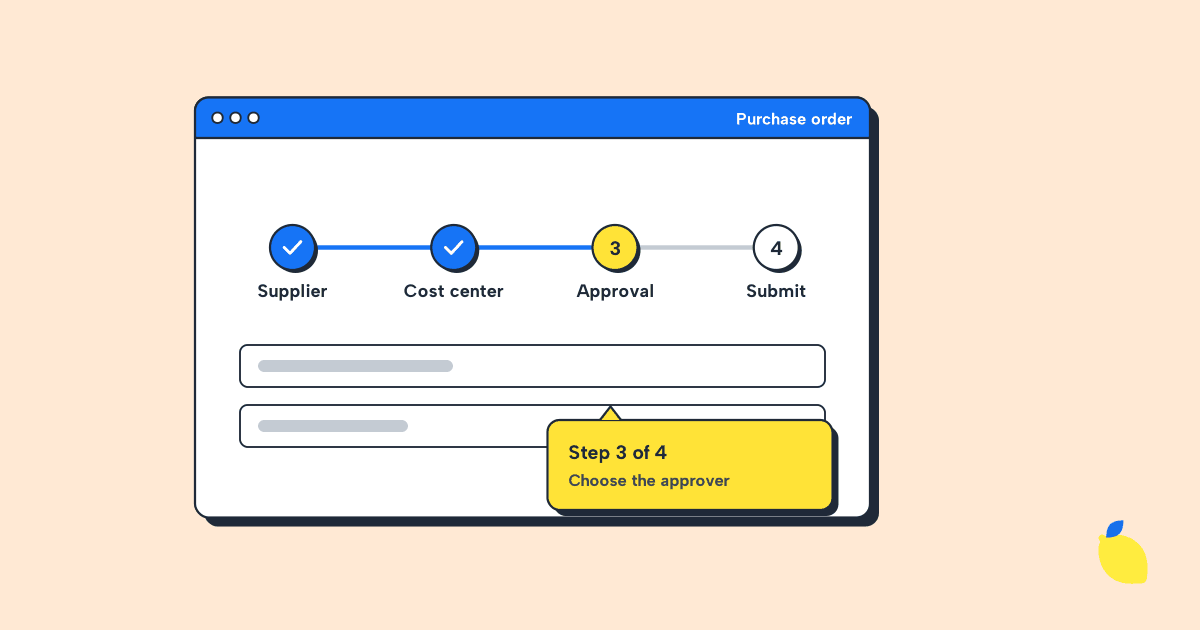
Instead of relying only on classroom training, a digital adoption platform delivers interactive guides on the real screens, so people learn the new system while doing their actual work.
5Retire the old system cleanly
Set a clear switch-off date and remove access once users are ready, so the legacy app doesn't linger alongside the new one.
Measuring the success of IT modernization
Go beyond technical metrics. Track active usage, the completion rate of key processes, support ticket volume and time to proficiency for each role. Process analytics show where users drop off in the new application, so you can fix problems before they become habits.
See it live
Bring your users with you to the new system
In a 30-minute demo, see how Lemon Learning guides users through new applications and shows where adoption breaks down.
IT modernization is the process of replacing or upgrading legacy applications and infrastructure so they meet current business, security and cost needs.
What are the main approaches to IT modernization?+
Common approaches are rehosting, replatforming, refactoring and replacing an application. Replacing has the biggest impact on users, because they need to learn a new tool.
Why do IT modernization projects fail?+
Many focus on the technology and underestimate user adoption. When people struggle with the new system, productivity drops, support tickets rise and workarounds return.
How do you get users to adopt a new system after modernization?+
Plan adoption from the start, involve key users early, guide people inside the new application and track usage data to find and fix problems quickly.