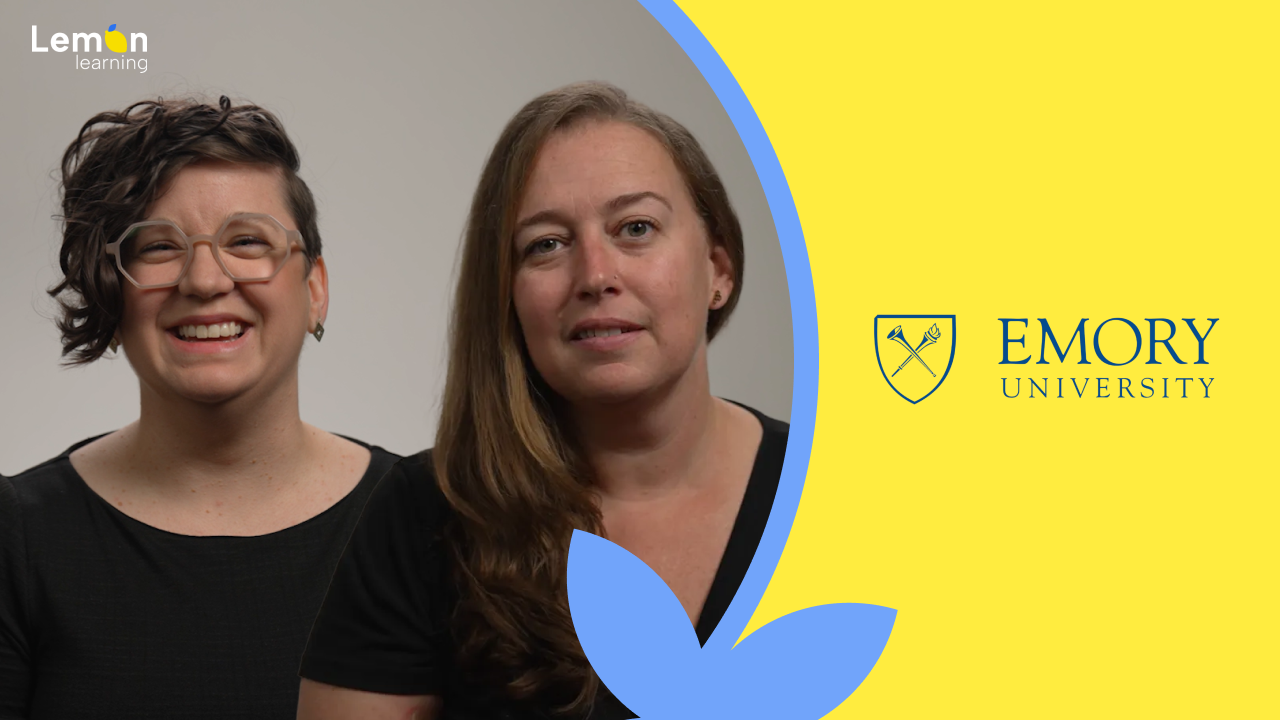
How Emory University's Advancement team turned its CRM into a self-serve training tool.
In the Advancement & Alumni Engagement department, a two-person Training & Education team replaced long PDFs and job aids with in-context guides and tooltips, delivered just in time inside the CRM.
Long documentation and job aids. Useful, but never on the screen where the work was happening.
Emory University's Advancement & Alumni Engagement department runs its donor cultivation, alumni outreach and event management on a single CRM. Gift officers, alumni managers, event coordinators and program staff all work in the same platform every day. Whitney Miller's Training & Education team is responsible for getting people productive fast, and keeping them fluent as the system evolves.
For years, the answer was documentation. PDFs, job aids, knowledge-base articles, training decks. The content was good. The format was the problem. Users had to stop what they were doing, leave the CRM, find the right document, scroll to the right section, then go back and apply it. Most of the time they just guessed, or asked a colleague, or sent another ticket to the training team.
Whitney and Tesia wanted a model where the help showed up on the page where the work was happening. Same content, same expertise, delivered in the moment of need.
« If users stay in the space where they're doing the work, it leads to better learning outcomes and meets their needs just in time. »
Whitney Miller Training Manager, Advancement & Alumni Engagement, Emory University
Move the training inside the CRM, and lean on a vendor team that picks up the phone.
The team layered Lemon Learning on top of their CRM and rebuilt training around two simple delivery formats: guides that walk users through a task step by step, and tooltips that surface context right on the field or button. Users now click the lemon icon, search a keyword, and get the right guide. Or just read the tooltip on the page and keep going.
A second factor sealed the decision: the Lemon Learning team itself. Whitney described them as a "catalyst", quick to jump in when a guide misbehaved, available as the training team learned the platform. For a two-person training operation, vendor responsiveness was not just a nice-to-have. It was the difference between shipping and stalling.
In-App Guidance, inside the CRM
Click the Lemon icon, search a keyword, and follow step-by-step guidance directly on the page. Highlighted walkthroughs appear one screen at a time, inside the platform your advancement team already uses every day.
Learn more → TooltipsTooltips embedded in the page
Short contextual hints that sit on the field. The answer, without breaking the flow. Field-level context, no training session required.
Learn more → AI AssistantLemon Learning as catalyst
A hands-on vendor team that provides real-time troubleshooting, accelerates trainer adoption, and supports long-term program growth.
Learn more →« The team from Lemon Learning was a catalyst for our choice. They are quick to jump in and find a solution. We had the confidence they would be there to support us as we learned the tool. »
Whitney Miller Training Manager, Advancement & Alumni Engagement, Emory University
Less documentation, fewer repeat questions, and more learning where the work happens.
« It's helped us reduce long documentation and make training much easier to access. »
Tesia Ruch Technical Writer, Training & Education, Emory University
« We can quickly create and update guides, which cuts down a lot of repetitive questions. »
Whitney Miller Training Manager, Advancement & Alumni Engagement, Emory University
« It's become a core part of how we help staff onboard and adapt to new systems. »
Whitney Miller Training Manager, Advancement & Alumni Engagement, Emory University
Like Emory, put the training inside your CRM, not in a folder of PDFs.
Book a personalised demo and see how a small training team can deliver in-context guides and tooltips across your most critical platform.
Book a demo
/Sans%20texte/miniature_otis_sans_texte.png)
/Sans%20texte/miniature_stellantis_sans_texte.png)