RACI Diagram Explained: Meaning, Examples, and the Best Tools to Build One
Learn what a RACI diagram is, what each letter means, and how to build one. Includes examples, a free Excel template, and the best tools to get started.
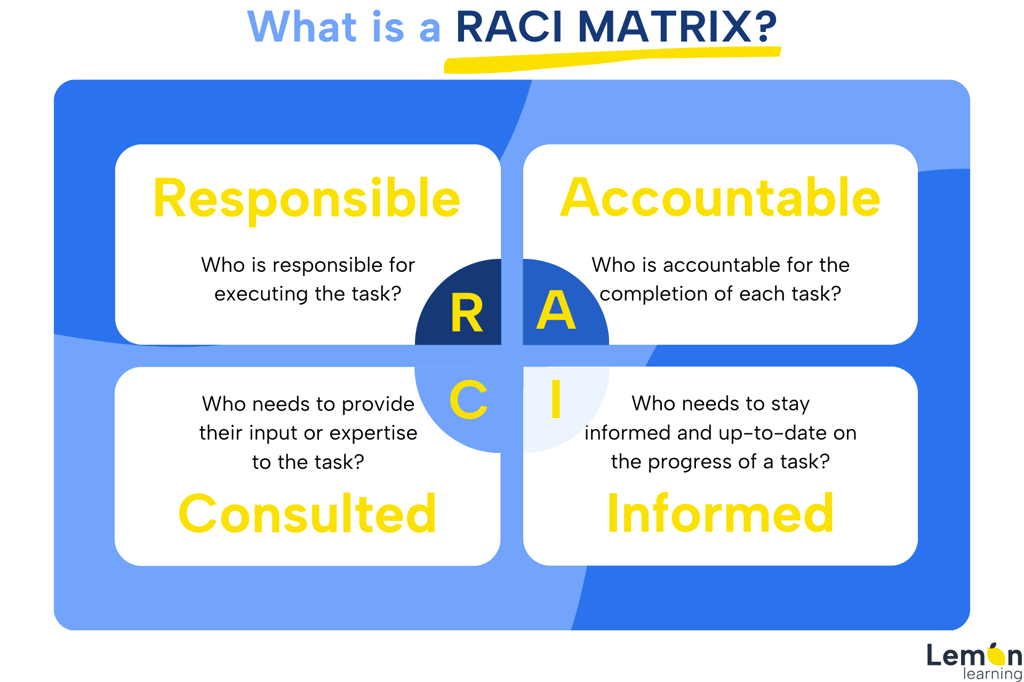
A RACI diagram is a responsibility assignment matrix that maps every project task to one of four roles: Responsible, Accountable, Consulted, and Informed. It gives project teams a single visual reference for who does the work, who owns the outcome, who must be consulted, and who simply needs to be kept in the loop. If you are looking to build one, this guide covers the meaning of each role, a practical example, and the four best tools for creating a RACI matrix from scratch.
What Is a RACI Diagram?
A RACI diagram, also called a RACI matrix or responsibility assignment matrix, is a project management tool that defines and clarifies roles and responsibilities across every task, milestone, or key decision in a project. The acronym RACI (Responsible, Accountable, Consulted, Informed) describes the four roles that can be assigned to any team member for any given deliverable.
The diagram takes the form of a simple grid. Tasks or deliverables run down the rows. Team members or job titles run across the columns. Each cell is filled with R, A, C, or I to show that person's level of involvement. The result is a clear, shared map of accountability that reduces misunderstandings and prevents work from falling through the gaps.
RACI diagrams are particularly valuable for complex, cross-functional projects where multiple departments share responsibility for the same outcome, such as a software rollout, an organizational change initiative, or a compliance audit.
What Does Each Letter in RACI Mean?
Each of the four RACI roles describes a distinct type of involvement in a task or deliverable.
Letter
Role
What it means
How many per task?
R
Responsible
The person or people who carry out the work. They are responsible for execution.
One or more
A
Accountable
The single owner who approves or signs off on the deliverable. The "buck stops here" role.
Exactly one
C
Consulted
Subject-matter experts who provide input before or during the task. Communication is two-way.
As needed
I
Informed
Stakeholders who need to be updated on progress or outcomes. Communication is one-way.
As needed
The golden rule of RACI is that every task must have exactly one Accountable person. Multiple Accountable owners on the same task creates confusion about final authority and is one of the most common reasons RACI diagrams fail in practice.
RACI Diagram Example
The following is a simplified RACI diagram example for a software implementation project. It shows how roles are distributed across a small team for four key tasks.
Task
Project Manager
IT Lead
HR Director
End Users
Finance Director
Define project scope
A
C
C
I
C
Configure the software
I
R / A
C
I
I
Deliver user training
A
C
R
R
I
Approve go-live
C
C
I
I
A
This type of RACI diagram example makes it immediately clear that the Finance Director is Accountable for the go-live decision, while the Project Manager owns the training delivery. No task is left without an owner, and no stakeholder is surprised by a decision that affects them.
How to Create a RACI Diagram: A Step-by-Step Process
Building a RACI diagram is straightforward when you follow a consistent process. Here are the six steps most project teams use.
Step 1: List all tasks and deliverables
Start by breaking the project into its key tasks, milestones, and decisions. Keep the list focused. A RACI diagram that tries to map every micro-task becomes unreadable quickly.
Step 2: Identify all stakeholders and roles
List the people or job titles involved in the project across the top of the matrix. Use role titles rather than individual names where possible, so the diagram remains useful if the team changes.
Step 3: Assign RACI letters to each cell
For each task, decide who is Responsible, who is Accountable, who needs to be Consulted, and who needs to be Informed. Assign letters in the corresponding cells.
Step 4: Apply the golden rule
Verify that every task has exactly one A (Accountable). If a row has no A, assign one. If it has two, resolve the conflict before moving forward.
Step 5: Review with the team
Share the draft matrix with all stakeholders and invite feedback. Team members often surface gaps or overlaps that are invisible to the project manager alone.
Step 6: Maintain and update the diagram
A RACI diagram is a living document. Update it when team members change, tasks are added, or the project scope shifts. An outdated RACI is as harmful as having no RACI at all.
For teams running change initiatives alongside project delivery, connecting your RACI to a broader change management process helps ensure that accountability is embedded at every stage of the transition, not just during initial planning.
RACI Diagram vs. RACI Matrix: Is There a Difference?
The terms RACI diagram, RACI matrix, and RACI chart are used interchangeably across project management literature. All three refer to the same responsibility assignment tool: a grid that maps tasks to roles using the four RACI designations. Some practitioners use "diagram" when the output is more visual or workflow-oriented, but there is no formal distinction between them.
A related variant worth knowing is RASCI (Responsible, Accountable, Supportive, Consulted, Informed), which adds a Supportive role for team members who assist the Responsible person without taking primary ownership. You can explore the key differences in detail in this comparison of RASCI and RACI roles.
The 4 Best Tools for Building a RACI Diagram
Several platforms make it easy to create, share, and maintain a RACI diagram. The right choice depends on how your team collaborates and the complexity of your project.
1. Miro
Miro is an online visual collaboration platform built around an interactive virtual whiteboard. It is particularly well suited for teams that want to build a RACI diagram collaboratively in real time, regardless of location. All team members can work on the matrix simultaneously, use @mentions and comments to discuss role assignments, and adjust responsibilities as the project evolves.
Beyond RACI diagrams, Miro supports brainstorming sessions, organizational charts, timelines, and Ishikawa (cause-and-effect) diagrams. It integrates with tools such as Jira, Trello, and Zoom, making it a strong choice for teams that manage their entire project workflow inside a connected toolset.
2. Asana
Asana is a task and project management platform that simplifies the use of RACI by allowing teams to create custom fields for each role. Once the matrix is set up, Asana tracks the progress of each task in real time and surfaces delays or dependency issues automatically.
Status updates and task-level comments ensure that Consulted and Informed stakeholders receive the right information at the right time without manual follow-up. Asana also supports report creation, calendar views, and a wide range of application integrations, making it practical for teams that need RACI embedded inside a broader project management workflow rather than as a standalone document.
3. Monday.com
Monday.com is a versatile project management platform with a library of pre-built templates, including ready-made RACI matrix templates that can be downloaded and customized. Color-coding makes it easy to see project status and role assignments at a glance without reading every cell.
Teams can divide a project into logical phases, assign RACI roles to each phase, and then fill in the intersections with the relevant team members. Monday.com supports inline commenting, file attachments, and both internal and external collaboration, which is useful when a project involves vendors or clients who also carry RACI designations.
4. Microsoft Excel (and Google Sheets)
Excel remains one of the most widely used tools for building a RACI diagram template, and for good reason. Its table structure maps directly to the RACI grid format, and no platform subscription is required. A RACI diagram template in Excel can be built in under an hour and shared instantly across an organization.
Excel's strengths for RACI work include conditional formatting to color-code roles, cell comments for adding clarifying notes, and the ability to lock or protect cells once the matrix is finalized. For teams that need a quick, no-cost RACI diagram template in Excel, it is often the fastest path from blank page to working matrix. Google Sheets offers the same advantages for teams that prefer cloud-based collaboration.
The key limitation of both tools is that they are static documents. Unlike Miro or Asana, they do not update automatically when tasks progress or team members change, so regular manual maintenance is essential.
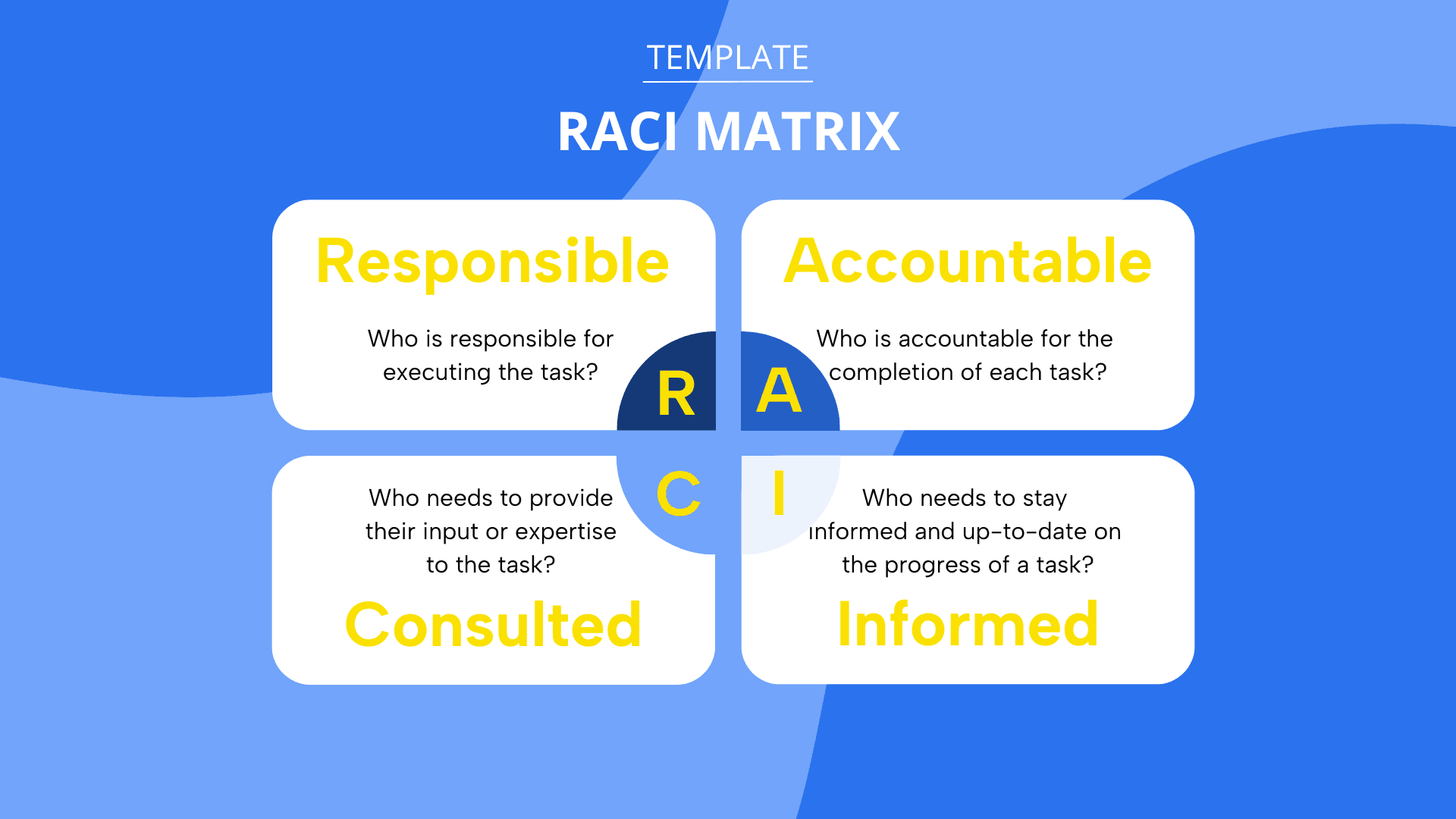
Click the image to receive your free RACI template
Common RACI Diagram Mistakes to Avoid
Even well-intentioned RACI diagrams can fail if a few common patterns are not addressed early.
Multiple Accountable owners on one task. This is the most frequent error. When two people are both marked A on the same deliverable, neither feels fully responsible for the outcome.
Too many Consulted roles. Over-consulting slows projects down and creates bottlenecks. Reserve the C designation for stakeholders whose input genuinely changes the output.
Forgetting to inform key stakeholders. Leaving an influential leader off the Informed column is a reliable source of late-stage surprises and rework.
Building the RACI in isolation. A matrix created by the project manager alone and then handed to the team is rarely accurate. Co-creating it surfaces assumptions and resolves conflicts before work begins.
Never updating the diagram. A RACI diagram that reflects the team structure from day one of a six-month project is misleading by month three. Schedule a review at each major milestone.
When Is a RACI Diagram Most Useful?
A RACI diagram adds the most value in situations where role ambiguity is likely to cause problems. The most common use cases include:
Cross-functional projects involving multiple departments or business units
Software implementations and system migrations
Organizational restructuring or change management programs
Compliance and audit processes with strict sign-off requirements
Onboarding programs where multiple teams share responsibility for new hires
Any project with external vendors or partners who hold defined responsibilities
For smaller, single-team projects with clear ownership, a full RACI diagram may be more overhead than it is worth. In those cases, a simpler task list with a named owner is often sufficient.
When RACI is used as part of a broader digital transformation or technology rollout, tools like Lemon Learning can support the adoption side of the equation by providing in-application guidance that reinforces role-specific training for the people marked R or A on software-related tasks. Explore how the Lemon Learning change management solution supports structured project rollouts.
Choosing the Right RACI Diagram Tool for Your Team
The best RACI tool is the one your team will actually use and maintain. Here is a quick decision guide.
If your team needs...
Use this tool
Real-time visual collaboration across locations
Miro
RACI embedded inside task tracking and reporting
Asana
A template library with color-coded project views
Monday.com
A fast, no-cost RACI diagram template in Excel or Sheets
Microsoft Excel / Google Sheets
Whichever platform you choose, the discipline of maintaining clarity and updating the matrix regularly matters more than the tool itself. A RACI diagram is only as useful as the last time someone reviewed it.
FAQ
Frequently asked questions
What does RACI stand for?+
RACI stands for Responsible, Accountable, Consulted, and Informed. Responsible is the person who does the work. Accountable is the single owner who signs off on it. Consulted are subject-matter experts whose input is needed before decisions are made. Informed are stakeholders who need to be kept up to date but do not actively participate in the task.
What does a RACI diagram look like?+
A RACI diagram is a two-dimensional grid. Tasks or deliverables are listed as rows down the left side, and team members or roles are listed as columns across the top. Each cell at the intersection of a task and a role is filled with one of the four RACI letters (R, A, C, or I) to show that person's level of involvement. The result is a responsibility assignment matrix that makes every role visible at a glance.
Is the RACI matrix outdated?+
No. The RACI matrix remains a widely used project management standard. Critics argue it can become bureaucratic on agile or small teams, but project management practitioners consistently recommend it for cross-functional projects, change initiatives, and any situation where accountability needs to be explicit. Variants such as RASCI (which adds a Supportive role) and DACI extend the model for more complex contexts.
What is the golden rule of RACI?+
The golden rule is that each task should have exactly one Accountable person. Having more than one Accountable role for a single task creates ambiguity and dilutes ownership. Every task must also have at least one Responsible person, but it is the single Accountable owner who is ultimately answerable for the outcome.