Salesforce onboarding, inside the tool.
Train and onboard users directly inside Salesforce with step-by-step guidance, contextual help, and in-app communication, so teams ramp faster, make fewer mistakes, and rely less on support.
Why Salesforce onboarding stays hard after training.
A new hire can attend every training session and still freeze on the real screen. Onboarding breaks down when help is not there at the moment of the task.
Classroom training fades fast
New hires sit through sessions, then forget the steps the first time they face a real opportunity, case, or record on their own.
Onboarding never stops
With continuous hiring, every month brings new joiners. Live sessions and shadowing do not scale, and enablement repeats the same effort again and again.
One path does not fit every role
A sales rep, an SDR, a manager, and an admin each use Salesforce differently. Generic training ignores the role, so it bores some and loses others.
What Salesforce onboarding looks like in practice.
Two moments that matter: step-by-step guidance on the real screen, and contextual help exactly where the work happens.
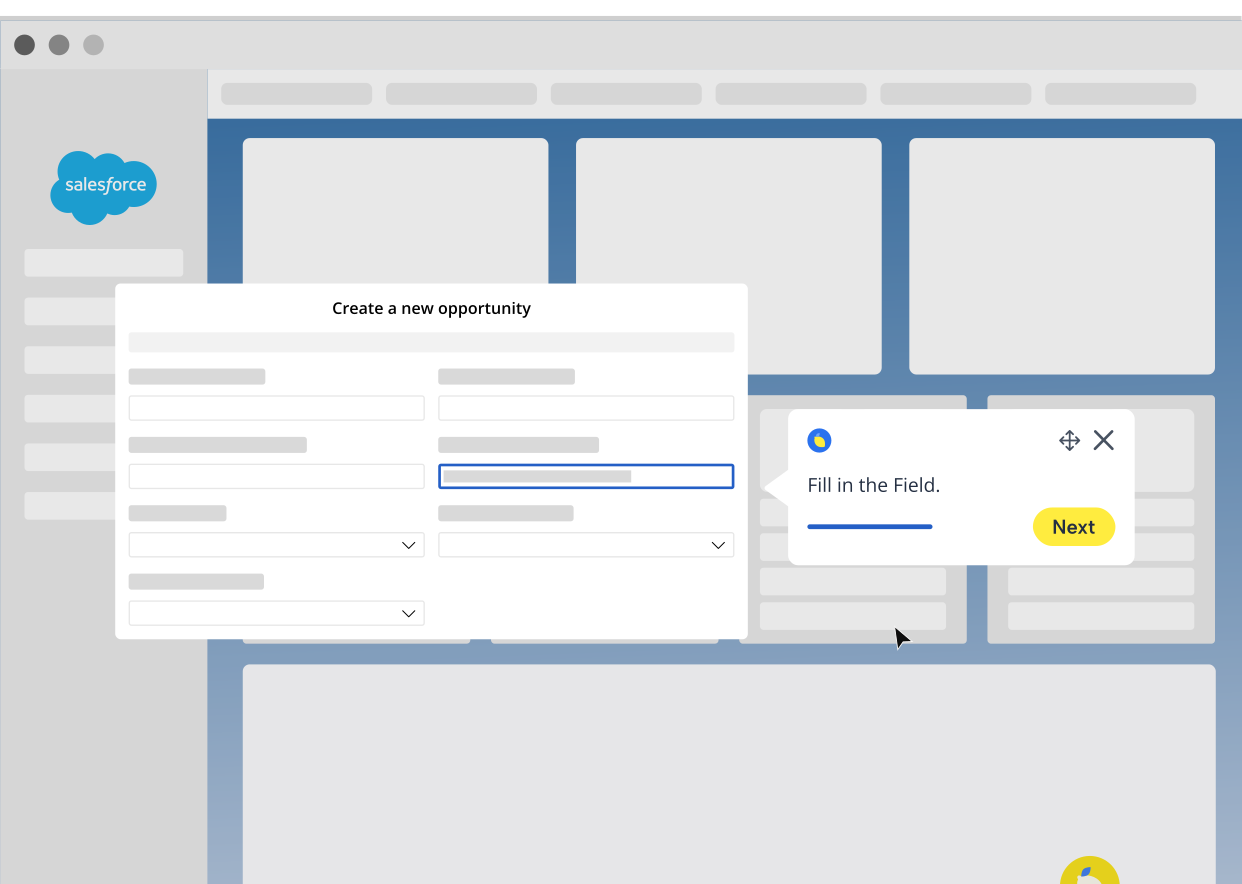
Step-by-step guide inside Salesforce
Task guidance for a common workflow, right on the real screen.
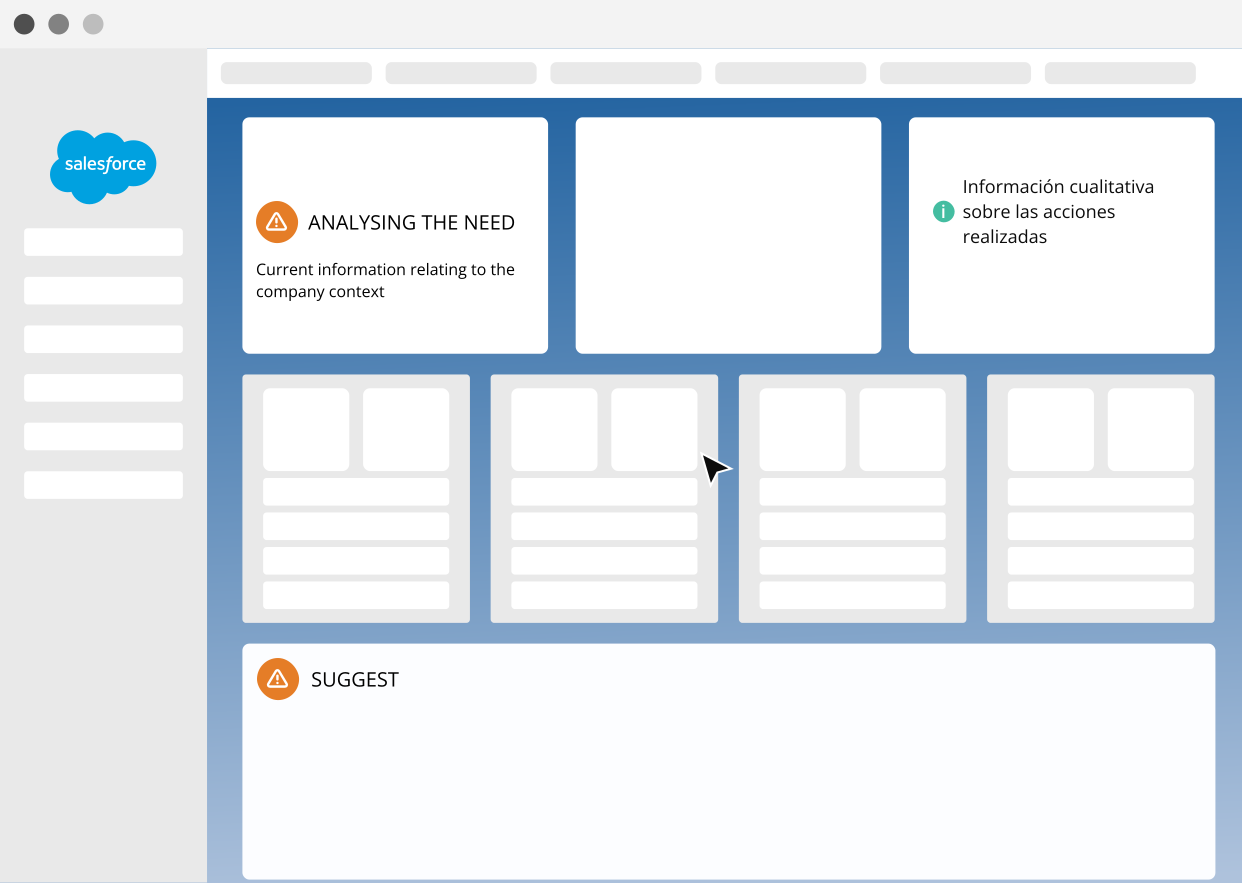
Contextual help in place
A tooltip or business message on the right screen, at the right moment.
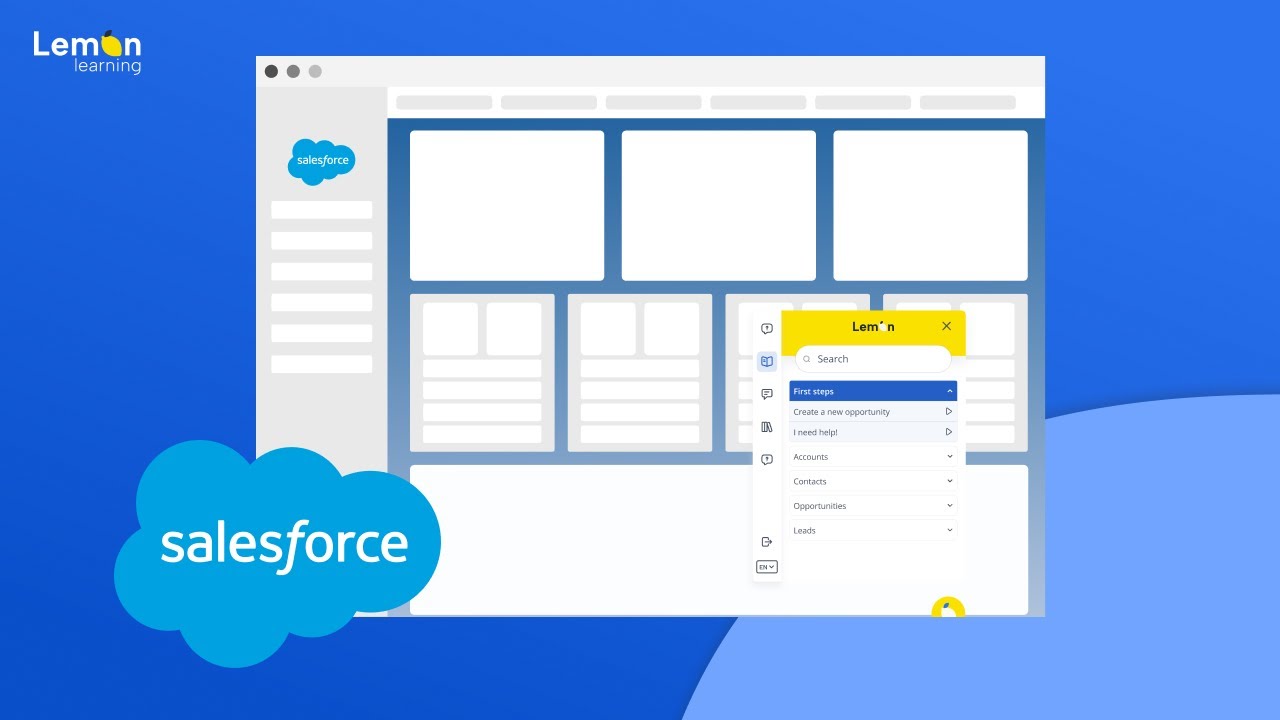
Onboard users directly inside Salesforce.
Lemon Learning layers in-app guidance on top of Salesforce so users learn while they work. Instead of leaving Salesforce to search for help, they get the right guidance on the right screen.
Walk users through key tasks
Step-by-step guides take new hires through real Salesforce workflows, from creating a record to logging an activity, without leaving the screen.
Learn more →Explain fields and actions in place
Contextual hints on the fields, buttons, and steps that confuse new users in a customised Salesforce org.
Learn more →Communicate change inside Salesforce
Share updates, priorities, and process changes on the right screen, so the right message reaches users in the flow of work.
Learn more →The right path for each role
Tailor onboarding by role, team, or region so every new hire follows the Salesforce path that fits their job.
Learn more →Self-serve help on demand
A searchable hub of guides and answers inside Salesforce, so users find what they need without raising a ticket.
Learn more →See who is making progress
Track who finished onboarding, which steps slow people down, and where to reinforce.
Learn more →Built for the moments that make Salesforce adoption hard.
From a new hire's first login to a customised rollout, the same in-app layer adapts to what makes Salesforce hard to learn.
Also see: CRM adoption · all use cases
Onboard new Salesforce users faster
New hires learn on the real screen instead of waiting for the next session. Guides and checklists take them through their first tasks, so they contribute early and build the right habits.
- Faster time to productive use
- Fewer first-week support questions
- Consistent usage across the team
Support a rollout or a process change
A new rollout or a changed workflow asks people to work differently, and even small changes leave users hesitating. In-app guidance and announcements carry the new way of working to every user and flag what changed, so adoption does not depend on training sessions.
- Less disruption at go-live and on changes
- Faster adoption of new steps
- Less pressure on support
Guide occasional users in a customised org
Many Salesforce users log in only now and then, into an org tailored to your business. Contextual help reduces field confusion and lets them complete tasks correctly without a refresher.
- Less hesitation on infrequent tasks
- Fewer errors in custom fields
- More autonomy for non-specialists
Trusted by teams running Salesforce at scale.
From self-serve learning to thousands of users ramped without classroom training, the common thread is onboarding that lives in the flow of work.
/Sans%20texte/miniature_stellantis_sans_texte.png)
/Sans%20texte/miniature_mazars_sans_texte.png)
Questions about Salesforce onboarding.
How fast can new hires get productive with Lemon? +
Most teams see new hires complete real tasks in their first days. Because guidance sits on the real screen, people learn by doing instead of waiting for the next training session.
Does this replace our Salesforce training? +
It complements it. Lemon carries onboarding into the flow of work, so live sessions get shorter and what people learn is reinforced exactly when they apply it.
Can onboarding be tailored to each role? +
Yes. Guides, checklists, and resources can be targeted by role or team, so a rep, a manager, and an admin each follow the path that fits their job.
Do new hires have to leave Salesforce to get help? +
No. Guides, tooltips, a resource centre, and an AI assistant all live inside Salesforce, so new hires get answers without switching to a portal, a PDF, or a colleague.
Can non-technical teams build the onboarding content? +
Yes. A no-code editor lets enablement, learning, and ops teams create and update onboarding content without developers or changes to Salesforce.
Make Salesforce easier to learn from day one.
See how Lemon Learning helps teams onboard users directly inside Salesforce, with less training overhead and more day-one confidence.
Book a personalised demo